The VertiGIS FM Energy app is a mobile application intended for users who manage energy meters at a given facility. Available offline, the VertiGIS FM Energy app can be used to exchange meters at a metering point, remove meters from a metering point, see meters with outstanding required meter readings, and record meter readings.
Updates logged using the app are imported into the VertiGIS FM database when the user connects to the Internet and synchronizes the app and the database.
Requirements
Ensure your mobile device meets the requirements below before installing the VertiGIS FM Energy app.
Android
•Android version 11 or higher
•250 MB internal memory
•500 MB RAM
•ARM64 processor
iOS
•iOS version 16 or higher
•500 MB internal memory
•ARM64 processor
Permissions
To use the VertiGIS FM Energy app most efficiently, enable the permissions below on your device:
•Access to location data
•Access to notifications
•Access to device information
•Access to internal and external storage
•Camera access
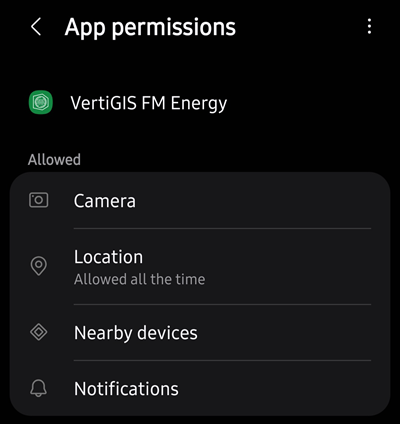
App Permissions in Android Settings
In addition to these requirements, your device must also have an Internet connection or network access when synchronizing.
Installation
You can download the VertiGIS FM Energy app from the App Store for iOS or from the Play Store for Android.
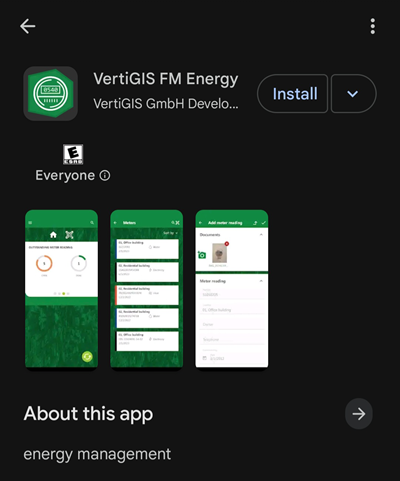
App Installation in Google Play Store
Sign In
After you have installed the VertiGIS FM Energy app, open it. You will see the sign-in page.
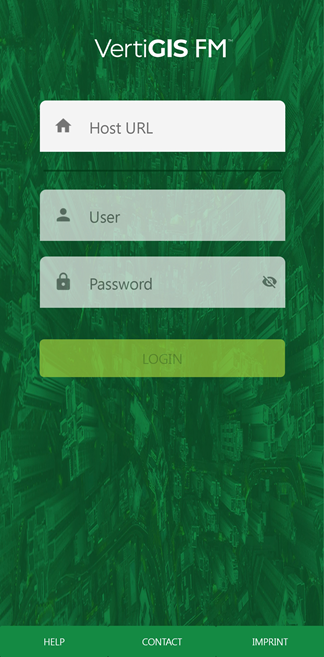
Sign In Screen
Tap in the Host URL text box and type the Base URL of your VertiGIS FM environment. The Base URL can be found in the Administration section of the application, on the Administration > Settings > Product Settings page. This is the URL at which you access VertiGIS FM on a desktop computer.
When the app connects to the environment, enter your VertiGIS FM user credentials. Refer to User Management for more information, or contact your system administrator if you do not have user credentials.
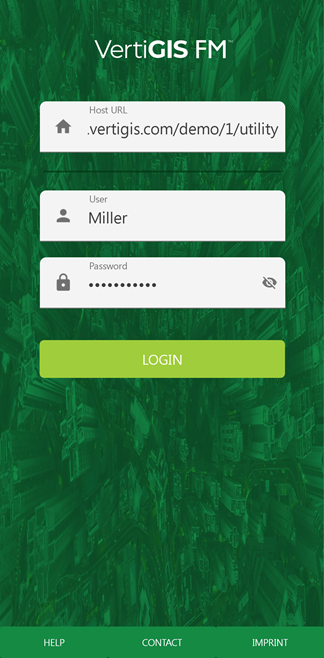
Sign In Screen with Inputs
Note: The Host URL must begin with https://.
After you have entered your user name and password, tap Login. You will be directed to the app's landing page, which is a dashboard showing the number of meters assigned to metering points in the environment.
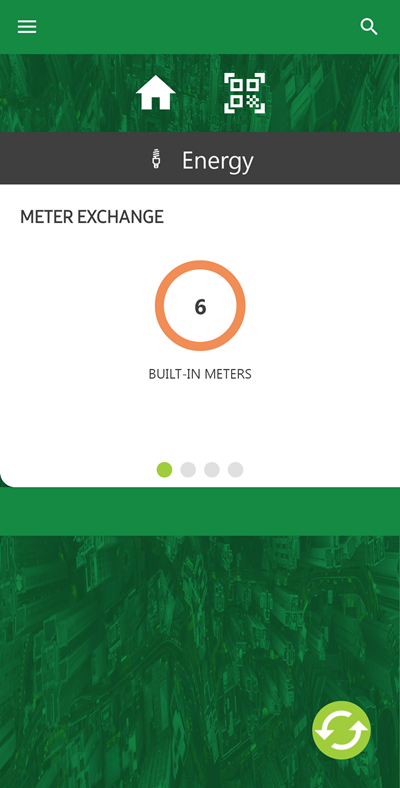
Landing Page and Dashboard
Your session will last for 24 hours. If you try to synchronize the app with the VertiGIS FM database more than 24 hours after signing in, the app will ask you to re-authenticate.
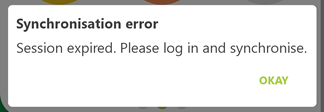
Synchronization Error
Sign Out
Currently, there is no way to sign out of the VertiGIS FM Energy app. If you want to switch users, you can reset the data and then sign back in to the app, but you will lose all the data you have not already synchronized into the database.
Quick Links
Use the URLs below for help completing basic maintenance tasks using the VertiGIS FM Maintenance app.
General
•Synchronize the app and the database
Meters
Meter Readings
•Record an outstanding meter reading