You can access all meter-related data and workflows in the VertiGIS FM Energy app on its dashboard.
Dashboard
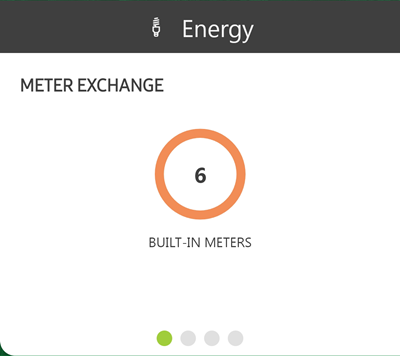
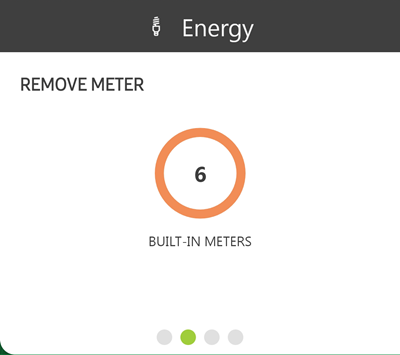
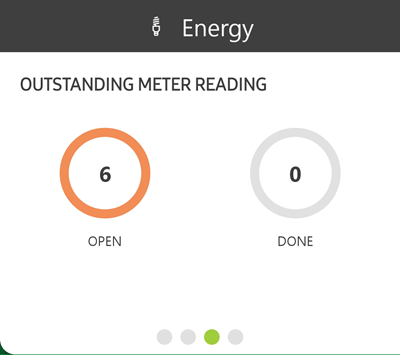
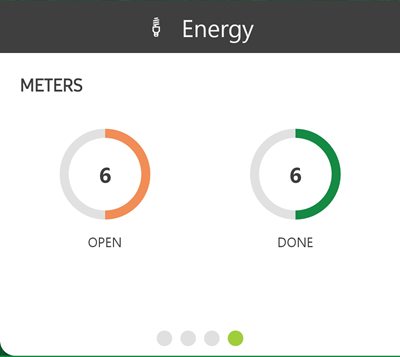
The VertiGIS FM Energy app dashboard shows high-level widgets related to the meters in your VertiGIS FM environment. Metrics reflected in the counters indicate actionable items for employees using the app.
The dashboard appears whenever you sign in to the app. If you tap a widget to begin a workflow, you can return to the dashboard by clicking the arrow icon in the top-left corner.
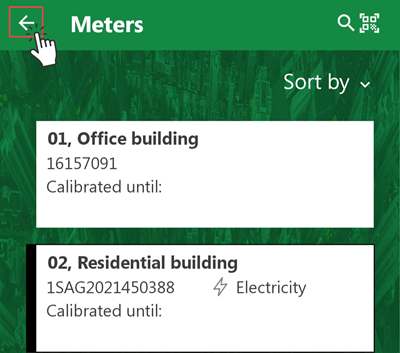
Return to Dashboard
Dashboard Widgets
Swipe left or right on the dashboard to navigate between its widgets.
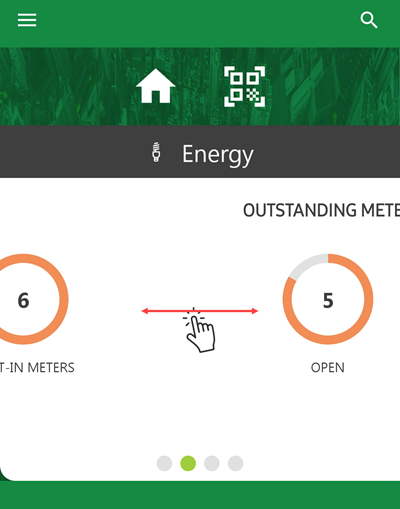
VertiGIS FM Energy App Dashboard
VertiGIS FM Energy App Dashboard Widgets
Widget |
Counters |
Associated Workflow(s) |
||||
|---|---|---|---|---|---|---|
|
|
|||||
|
|
|||||
|
|
|||||
|
|
Icons
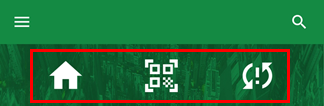
The icons below appear on the VertiGIS FM Energy app dashboard.
Dashboard Icons
Dashboard Icons
Icon |
Function |
|---|---|
|
Opens a page that allows you to apply building location filters in the app using the VertiGIS FM Buildings structure. You can limit the meters you see in the app to those located in specific real estates, buildings, floors, or rooms. Refer to Filter by Location. |
|
Opens the device's camera so that you can scan QR codes affixed to assets in the field. |
|
Opens a list of data objects that caused synchronization errors the last time you tapped the Synchronize button. This icon only appears if synchronization errors occurred the last time you tapped the Synchronize button. |
|
map |