You can apply location filters in the VertiGIS FM Energy app (for example, by real estate, building, floor, or room) so that only data associated with meters from the specified location is shown in the app. When you specify a location, only meters in that location are reflected in the widget counters and lists.
To use this feature, your VertiGIS FM implementation must include a VertiGIS FM Buildings license. Refer to Building Management for more information.
To filter the application by location, tap the  icon on the dashboard.
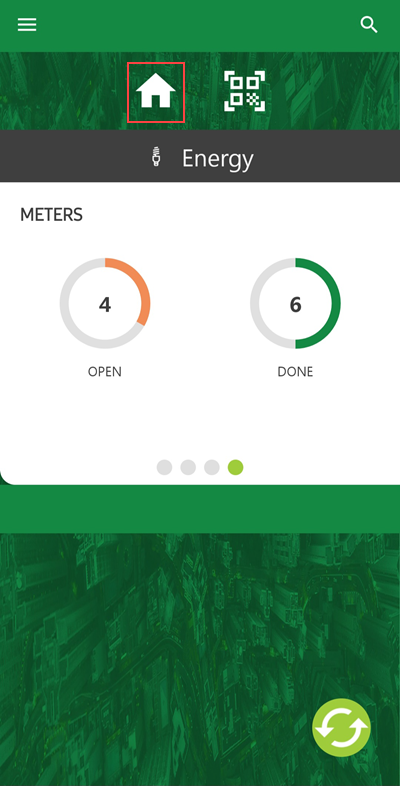
Location Filter Icon on Dashboard
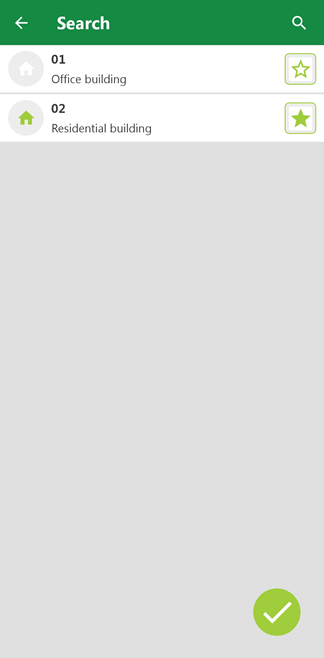
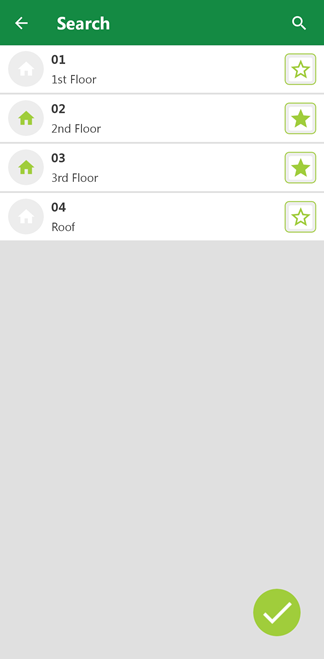
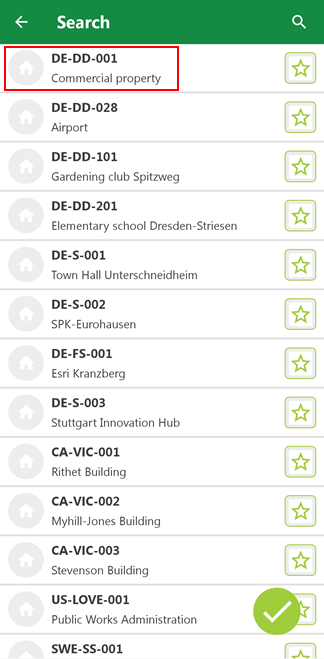
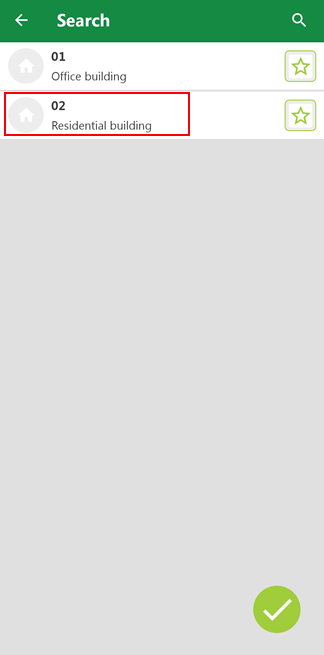
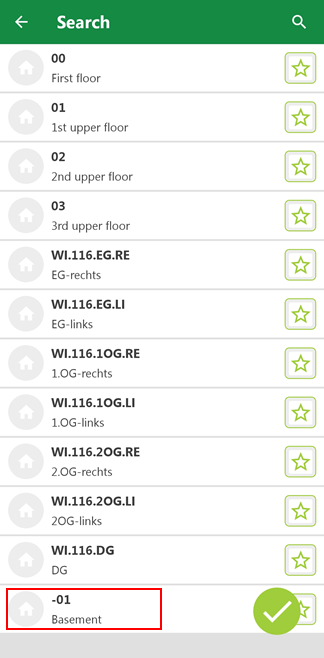
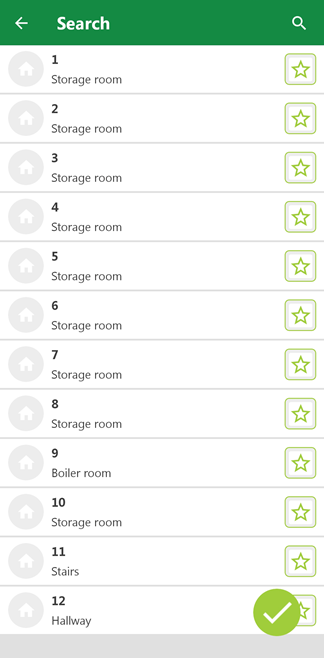
A list of real estates in the database opens. You can tap a real estate to view the buildings within the real estate, tap a building to view a list of floors within the building, and then tap a floor to view a list of rooms within the floor.
List of Real Estates (1/4) |
List of Buildings on Selected Real Estate (2/4) |
List of Floors in Selected Building (3/4) |
List of Rooms on Selected Floor (4/4) |
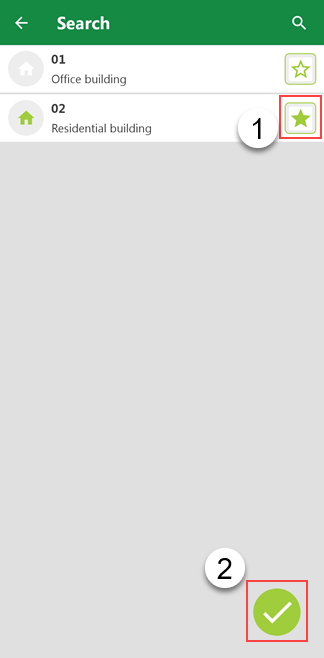
Tap the  button next to one of the real estates, buildings, floors, or rooms to select the location as the filter for objects in the VertiGIS FM Energy app. When you tap the
  button, the home screen reloads with the filter applied.
Selected Real Estate |
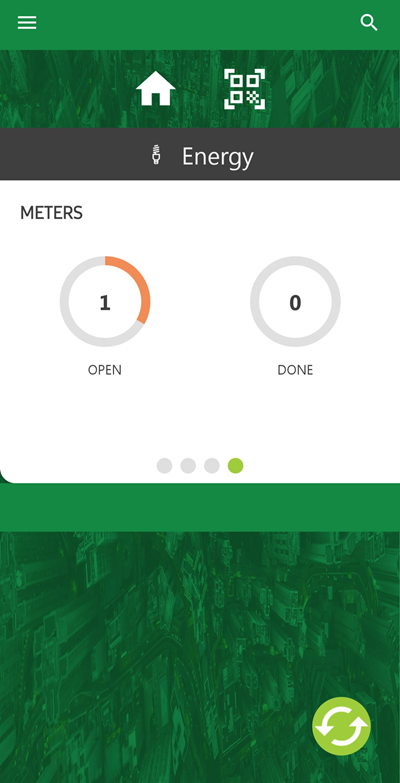
Meter Dashboard Widget with Building Filter Applied |
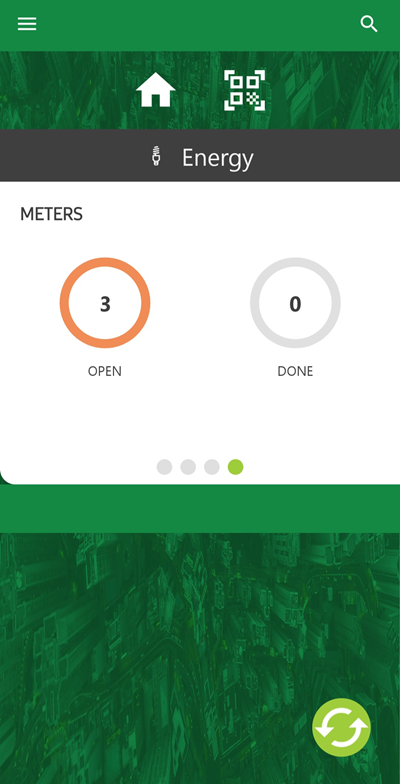
In the example above, the selected building contains five devices, and there are no service desk tickets associated with any of them. You can tap Devices on the home screen to view the devices located in the building.
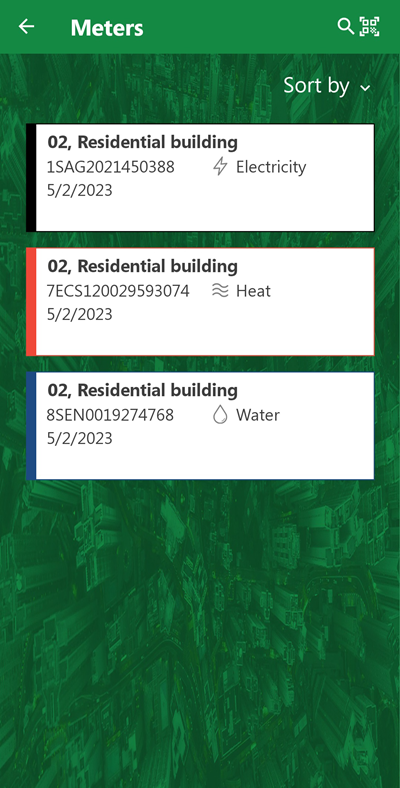
Meters in Filtered Location
You can apply multiple location filters at the same time. For example, if an employee who uses the VertiGIS FM Energy app were responsible for all the assets in a building and two floors of a separate building, you could filter the app accordingly.
Building Selected as Filter |
Two Floors in Separate Building Selected as Additional Filter |
Dashboard with Both Filters Applied |