The Reset Data feature clears the data you have entered in the VertiGIS FM Energy mobile app but have not yet synchronized into the VertiGIS FM database. It also signs you out of the app.
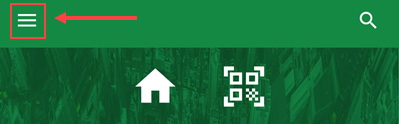
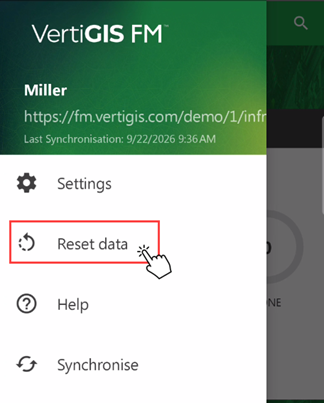
To reset the data in the VertiGIS FM Energy app, tap the hamburger menu in the top-left corner of the home screen and then tap Reset Data.
Hamburger Menu |
Reset Data Button |