Once a job is created, it appears on the Job Board with its status and state. Job status updates from created to various completion states as work progresses.
Search and Filter Jobs
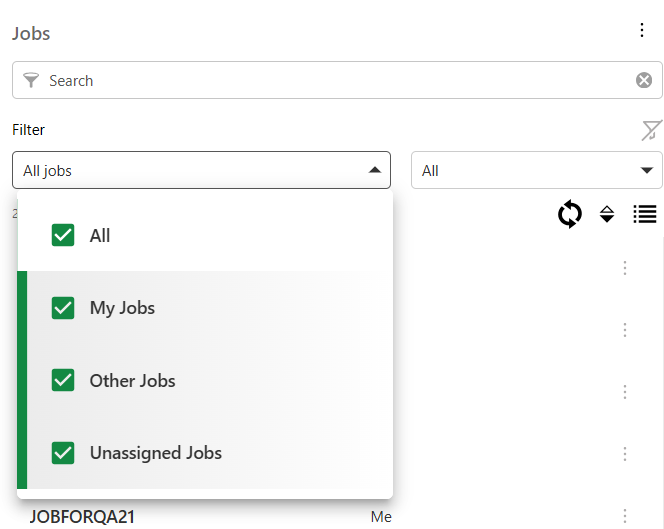
To search for a job:
1.Go to Job Management tab > Jobs.
2.Input query into the search field to filter based on keywords - title, worker, supervisor, job state, tags, or status. (Search works across multiple properties)
Use the clear option to start a new query.
3.Apply job filters to narrow down search (to reset, select Clear Filters):
oAssignees: Filter for all jobs, my jobs, other jobs, or unassigned jobs
oStatus: Filter based on the current status of a job
oGroups: Filter based on groups a job belongs to
oWorker: Filter based on current worker of the job
4.Select the job for detailed view.
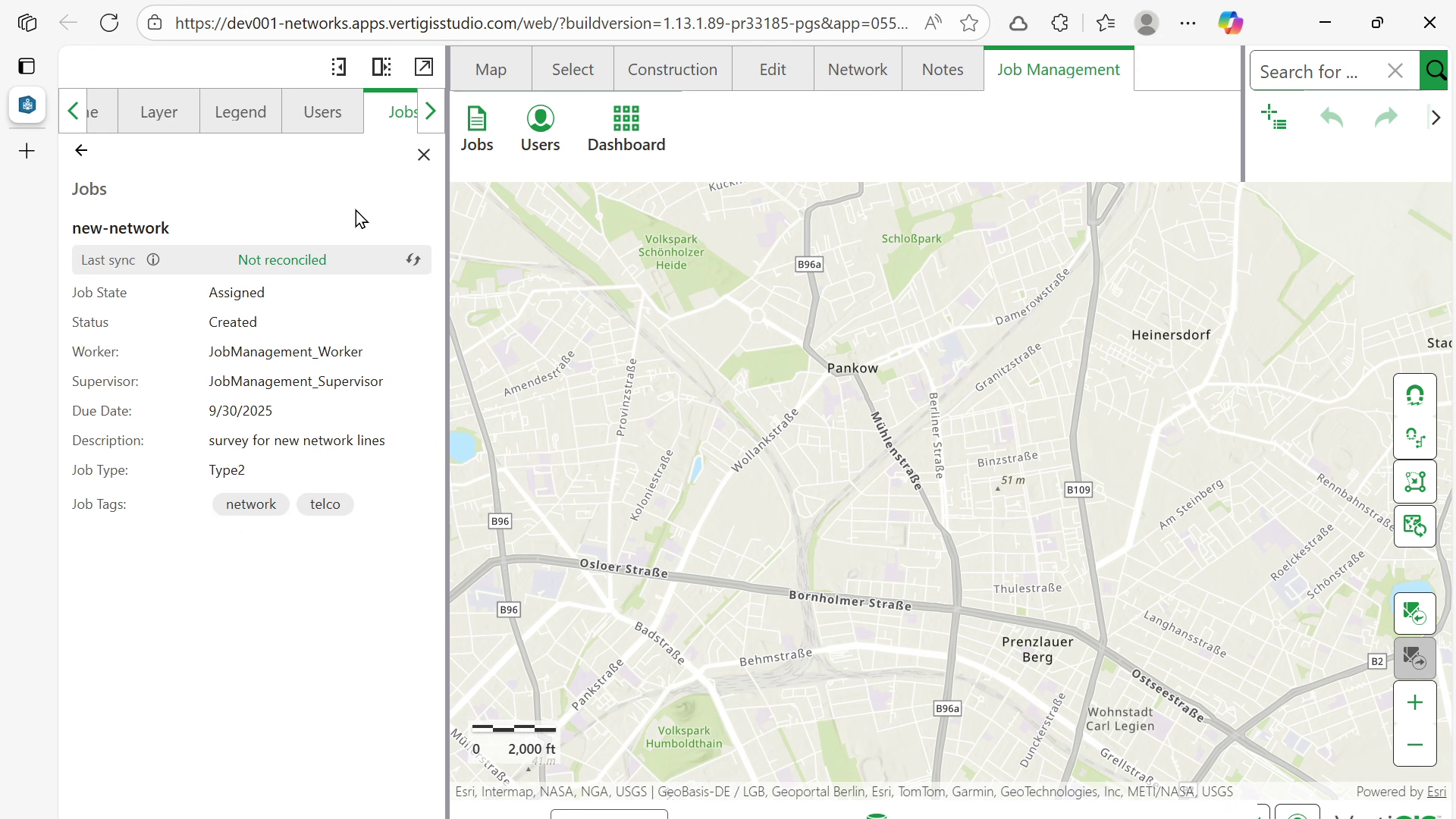
When there are many users or groups (e.g., around 5,000), the user should first select a group filter and then choose the users.
Additional options:
•Clear filters: clears all applied filters including state and status.
•Refresh: refreshes the jobs list to display up to date information.
•Sort: sorts the list alphabetically based on title (toggles between ascending and descending)
•Detail view: provides more information about the job
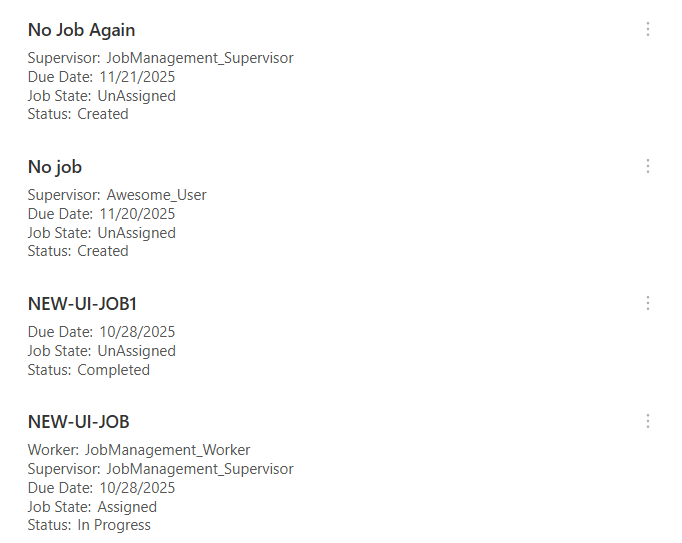
Job Management Actions
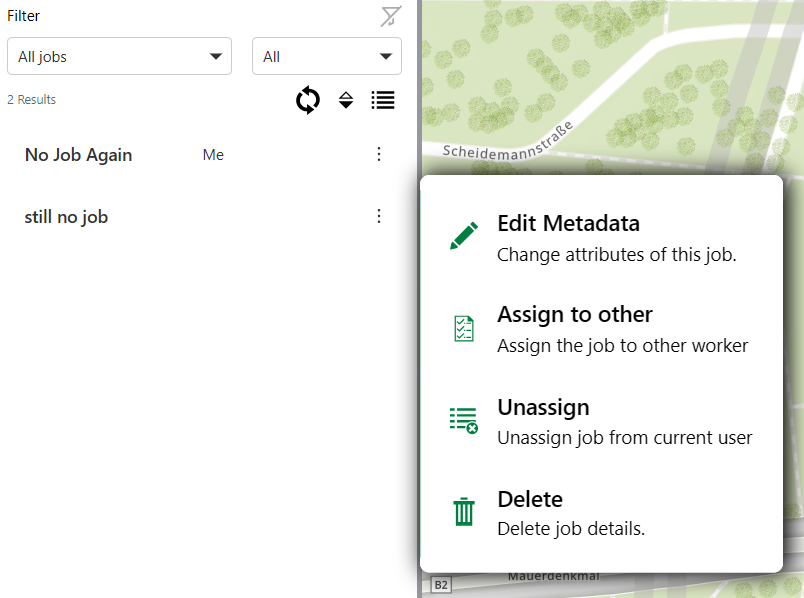
The context menu offers the following actions to edit, update, and delete jobs:
•Edit metadata
•Unassign
•Delete
•Job History (Available only if Job History was enabled during installation of the Job Management system)
Edit Metadata
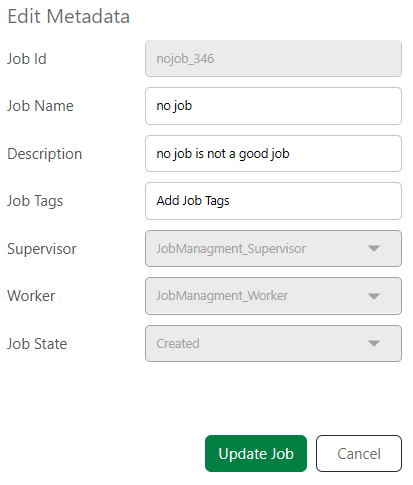
To edit the metadata for a job:
1.Select Edit metadata from the context menu.
2.Make the required changes to the metadata.
3.Select Update Job.
Unassign Job
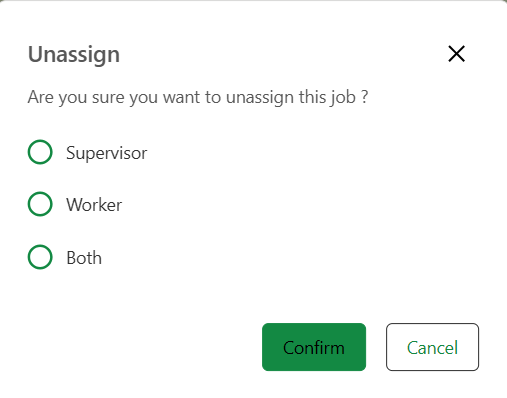
To unassign a job, i.e., to remove the current assigned supervisor, worker or both:
1.Select Unassign.
2.Choose one of the options - Supervisor, Worker, Both.
3.Input a reason for unassigning the job. (Available only if Job History was enabled during installation of the Job Management system)
4.Select Confirm.
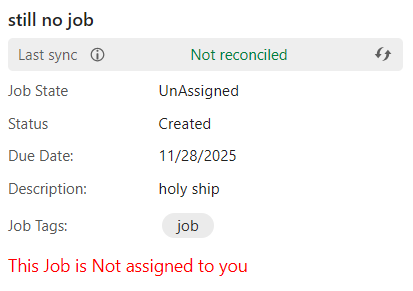
The state of the job updates from Assigned to Unassigned.
When a job is un-assigned, its ownership is transferred to the currently logged in user.
Delete Job
To delete a job:
1.Open the context menu for the job.
2.Select Delete.
3.Input a reason for deleting the job. (Available only if Job History was enabled during installation of the Job Management system)
4.Select Confirm.
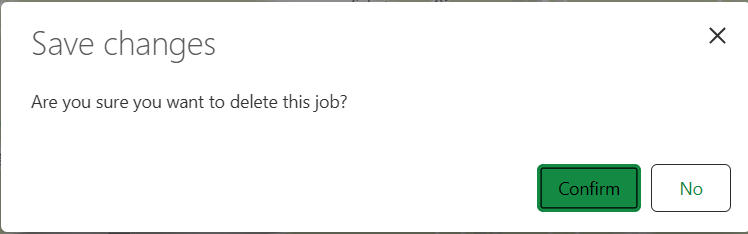
The job and its associated version are deleted from the geodatabase.
Next:
•Close Jobs: Mark jobs as completed (permission-dependent).
•Reassign Jobs: Transfer jobs between workers (if authorized).