Job Management is a workflow system that lets your organization create, assign, track, and close spatial jobs using versioned editing. It provides a structured environment where edits are isolated in branch versions and merged back to the default version only when a job is closed.
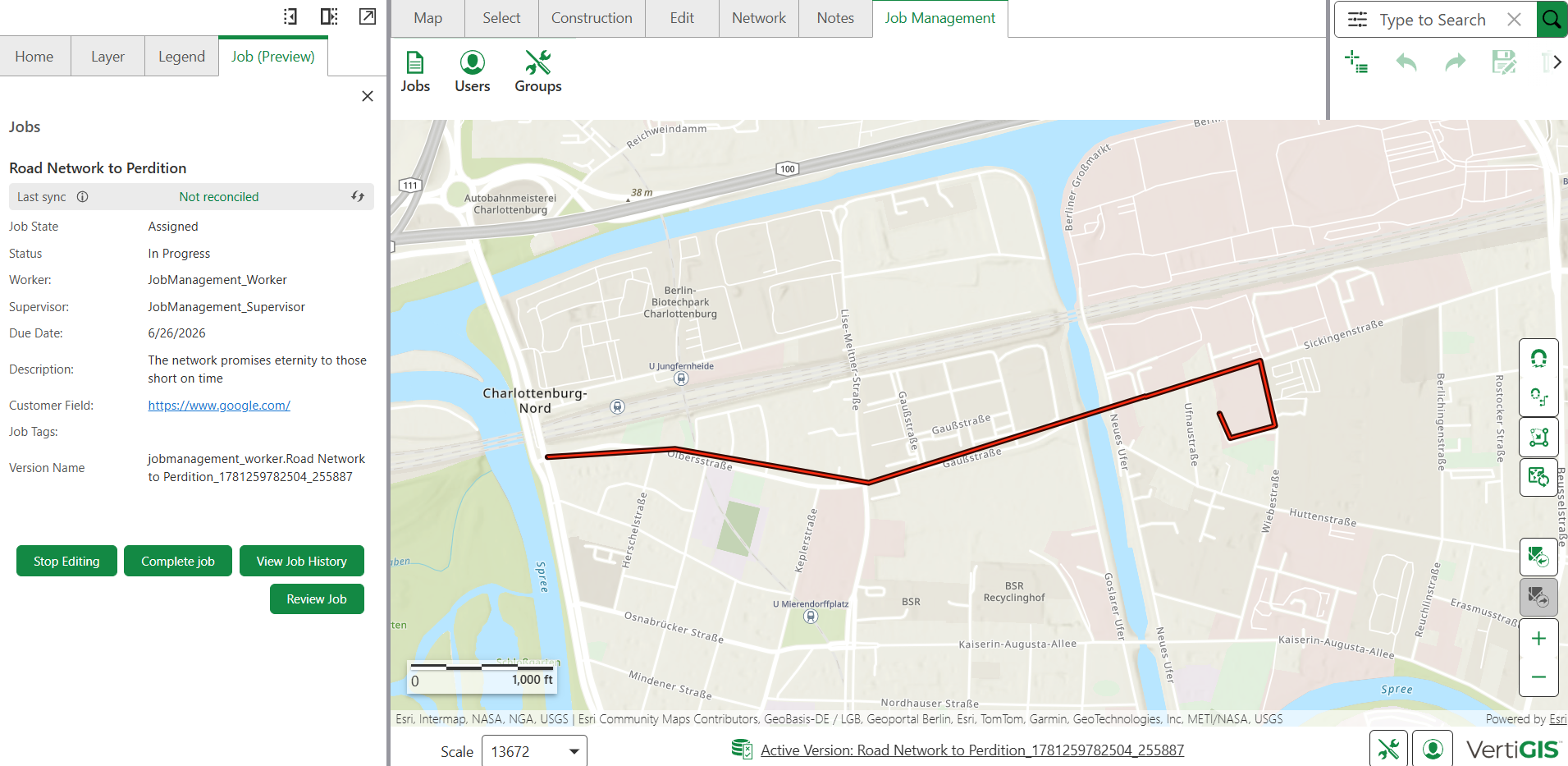
Job Management features are accessible from the Job Management tab in the toolbar. Users can access these features only if they belong to a portal group registered with the Job Management system.
Key Features
•Job operations: Create, assign, reassign, track, and close jobs from a single interface
•Automated workflows: Validation and conflict detection
•Team collaboration: Role-based permissions for administrators, supervisors, and workers
Getting Started
Job Management requires explicit installation and configuration before it is available to users.
To get started with Job Management:
1.Set up the Job Management service by running the provisioning script.
2.Learn about roles and permissions in the Job Management system
3.Register a portal group with the Job Management system.
4.Add users to the registered portal group in ArcGIS Portal so that they can access the Job Management tab in the toolbar.
What Happens During a Job
Understanding the job lifecycle helps you follow the correct steps at each stage:
•Create and assign jobs: A job is created with a defined area, assigned to the right people, and tracked through the system from start to close.
•Isolated edits, shared outcome: Each job has its own branch version, keeping your edits separate from the live default data throughout the job's lifetime.
•Stay in sync with default version: Since jobs can run for days or weeks, you can reconcile at any point to bring the latest default version changes into your branch, without exposing your unfinished work.
•Merge everything on completion: When a job is closed, all edits are posted from the branch to the default version in a single controlled operation, giving you a clean, complete merge with no manual steps.