The VertiGIS FM Greenspaces app is a mobile application that allows users in the field to document basic maintenance work for green areas and trees. Available offline, the app allows you to process orders, inspections, and investigations; add new trees to the system; edit important tree and green area properties; and locate greenspace assets on web maps.
Updates logged using the app are imported into the VertiGIS FM database when the user connects to the Internet and synchronizes the app with the database.
Requirements
Ensure your mobile device meets the requirements below before installing the VertiGIS FM Greenspaces app.
Android
•Android version 11 or higher
•250 MB internal memory
•500 MB RAM
•ARM64 processor
iOS
•iOS version 16 or higher
•500 MB internal memory
•ARM64 processor
Permissions
To use the VertiGIS FM Greenspaces app most efficiently, enable the permissions below on your device:
•Access to location data
•Access to notifications
•Access to device information
•Access to internal and external storage
•Camera access
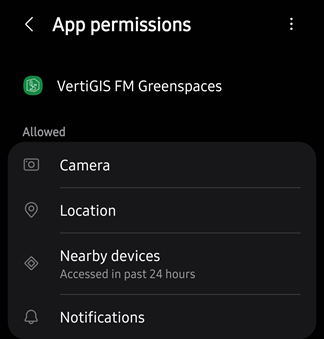
App Permissions in Android Settings
In addition to these requirements, your device must also have an Internet connection or network access when synchronizing.
Installation
You can download the VertiGIS FM Greenspaces app from the App Store for iOS or from the Play Store for Android.
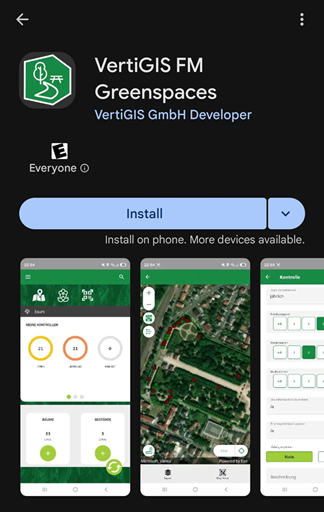
App Installation in Google Play Store
Sign In
After you have installed the VertiGIS FM Greenspaces app, open it. You will see the sign-in page.
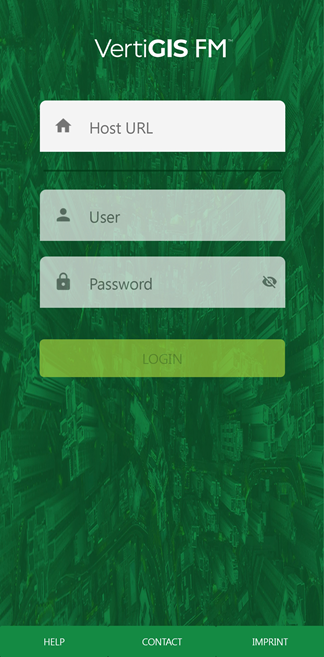
Sign In Screen
Tap in the Host URL text box and type the Base URL of your VertiGIS FM environment. The Base URL can be found in the Administration section of the application, on the Administration > Settings > Product Settings page. This is the URL at which you access VertiGIS FM on a desktop computer.
When the app connects to the environment, enter your VertiGIS FM user credentials. Refer to User Management for more information, or contact your system administrator if you do not have user credentials.
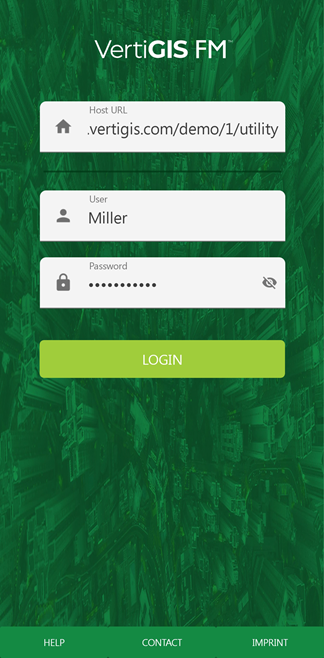
Sign In Screen with Inputs
Note: The Host URL must begin with https://.
After you have entered your user name and password, tap Login. The app presents the green area filter, which lets you specify the data you want to see in the app by location. The app then loads the dashboard, showing tree and green area data for the selected green areas.
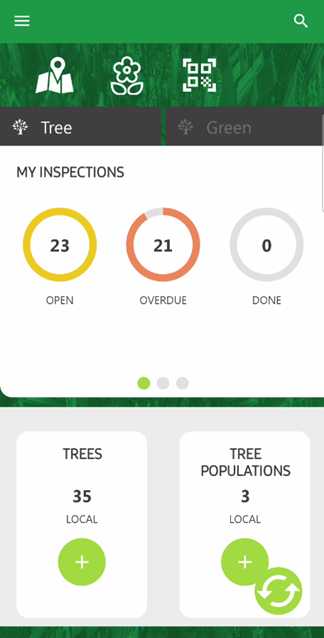
Landing Page and Dashboard
Your session lasts 24 hours. If you try to synchronize the app with the VertiGIS FM database more than 24 hours after signing in, the app asks you to re-authenticate.
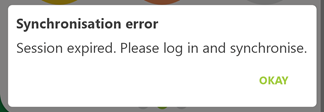
Synchronization Error