Please enable JavaScript to view this site.

Navigation: Energy > Energy App

Manage Meter Readings

Prev Top Next More

There are two dashboard widgets through which you record meter readings in the VertiGIS FM Energy app:

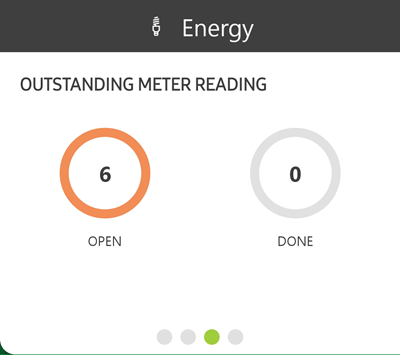
The Outstanding Meter Reading widget compiles meters that are missing meter readings based on their metering point's Reading Interval property. If you tap the Open counter on this widget, you can quickly select from the meters that are missing meter reading data and record a meter reading.

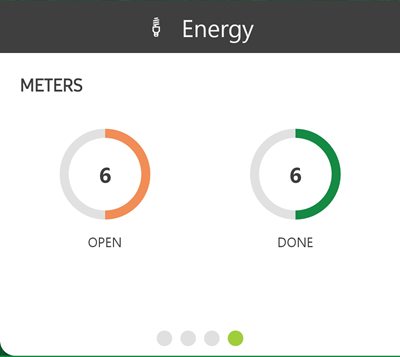
The Meters widget lists all meters currently assigned to metering points in your system. In the workflow that initiates from this widget, you can select any active meter and record a meter reading for it, and view meter readings for any active meter in the system.

VertiGIS FM Energy App Meter Reading Workflows

Widget

Counters

Associated Workflow(s)

record-meter-reading-6

Open

the number of meters that are missing required meter readings, according to their metering point's Reading Interval property.

Done

the number of meters that have had required meter readings entered but have not yet been added to the system via app synchronization.

Record an Outstanding Meter Reading

record-meter-reading-7

Open

the number of active meters assigned to metering points that have not had meter readings submitted today.

Done

the number of meters that were previously assigned to metering points but are no longer in commission.

Record a Meter Reading for Any Meter

View Meter Readings

© 2025 VertiGIS North America Ltd. All Rights Reserved. | Privacy Center | Imprint
Documentation Version 1.0