Once a job is created, it appears on the Job Board with its status and state. Job status updates from created to various completion states as work progresses.
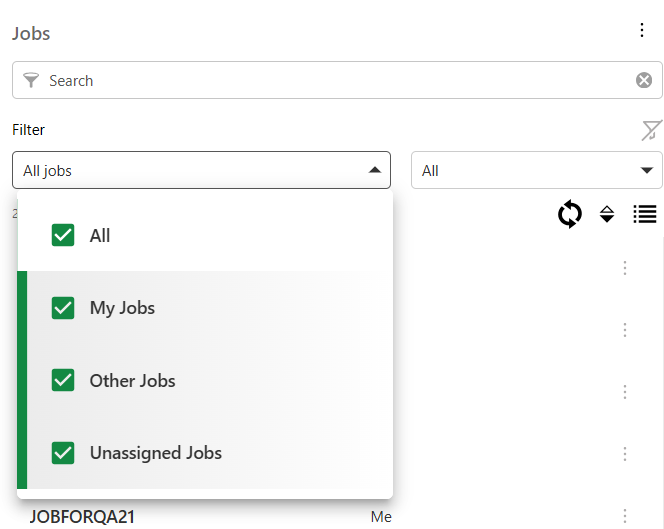
To search for a job:
1.Open the Job Board from the main interface.
2.Input query into the search field to filter based on keywords - title, worker, supervisor, job state or status. (Search works across multiple properties)
Use the clear option to start a new query.
3.Select a job state:
oAll Jobs: View all jobs in the system.
oMy Jobs: View jobs assigned to you.
oOther Jobs: View jobs assigned to others.
oUnassigned Jobs: View jobs currently not assigned to any worker.
4.Select status of the job:
ocreated
oin progress
ocompleted
oclosed
oon hold
5.Select the job for detailed view.
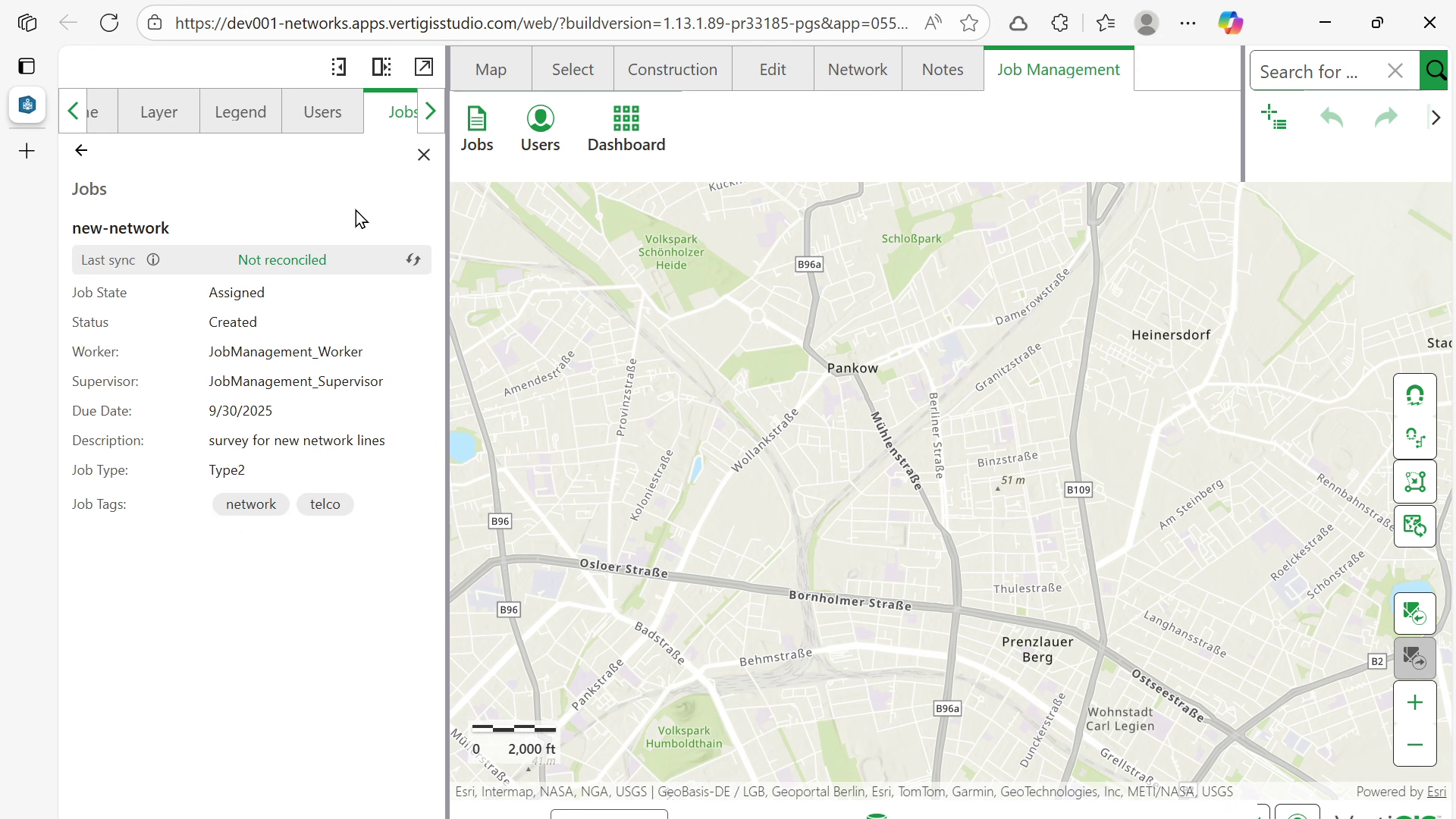
Additional options:
•Clear filters: clears all applied filters including state and status.
•Refresh: refreshes the jobs list to display up to date information.
•Sort: sorts the list alphabetically based on title (toggles between ascending and descending)
•Detail view: provides more information about the job
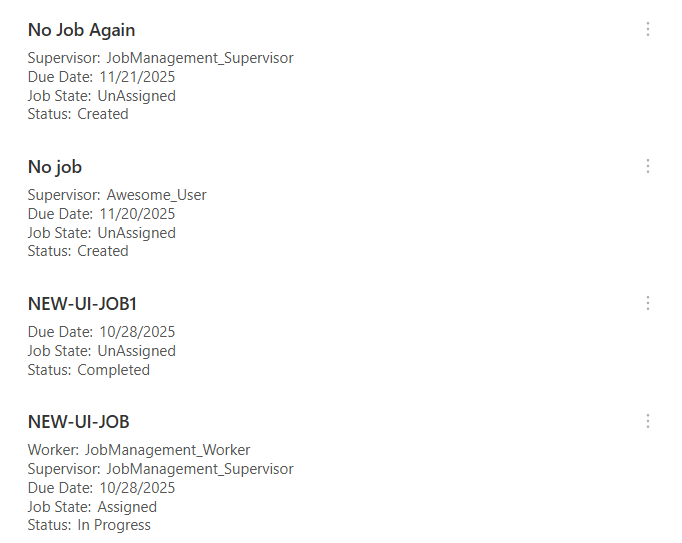
Job Management Actions
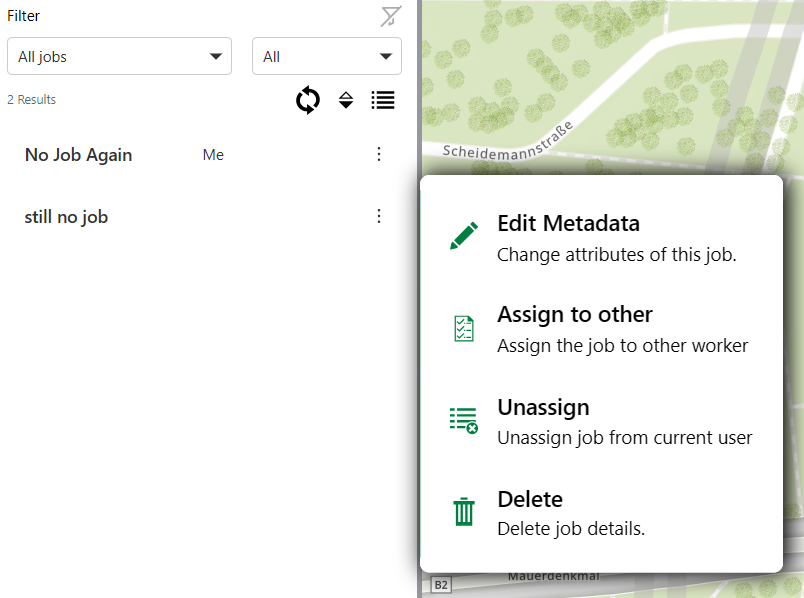
The context menu offers the following actions to edit, update, and delete jobs:
•Edit metadata
•Unassign
•Delete
Edit Metadata
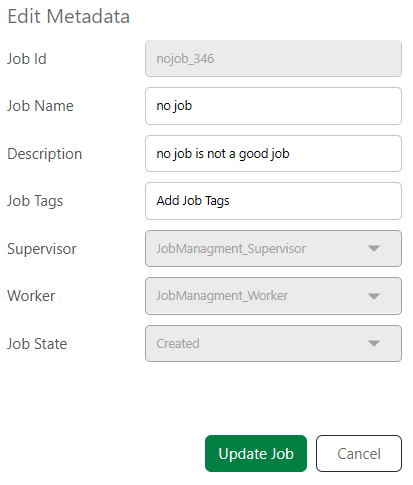
To edit the metadata for a job:
1.Select Edit metadata from the context menu.
2.Make the required changes to the metadata.
3.Select Update Job.
Unassign Job
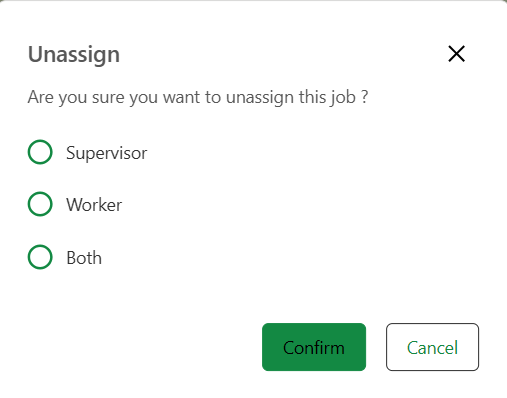
To unassign a job, i.e., to remove the current assigned supervisor, worker or both:
1.Select Unassign.
2. Choose one of the options - Supervisor, Worker, Both.
3.Select Confirm.
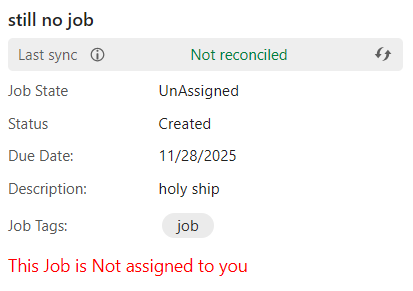
The state of the job updates from Assigned to Unassigned.
Delete Job
To delete a job:
1.Open the context menu for the job.
2.Select Delete.
3.Select Confirm.
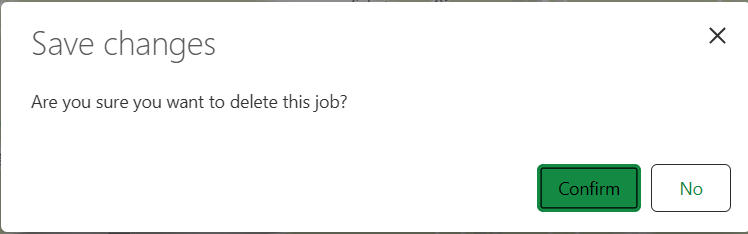
The job and its associated version are deleted from the geodatabase.
Next:
•Close Jobs: Mark jobs as completed (permission-dependent).
•Reassign Jobs: Transfer jobs between workers (if authorized).