Export job data to CSV format for external analysis and reporting.
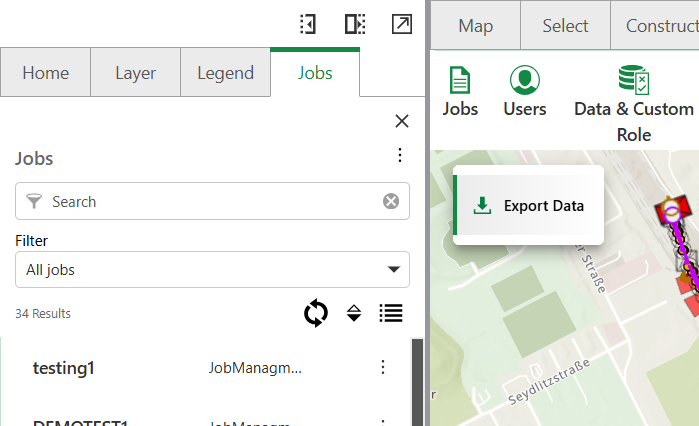
To export job data to CSV:
1.Open the Job Management interface.
2.Filter jobs to narrow down selection (Optional).
3.Select the jobs to export using the checkboxes.
4.Click the Export button to initiate the download.
The file saves automatically to your default download location.
Export Format
Exported CSV files include standard job information:
•Job ID and name
•Assignment details
•Status and completion data
•Timestamps and metadata
•Custom fields (if configured)
Error Handling
If the job export fails, you receive a notification of the export failure.
To resolve export failures:
1.Verify your job selection is correct.
2.Try the export again.
3.Contact your administrator if issues persist.