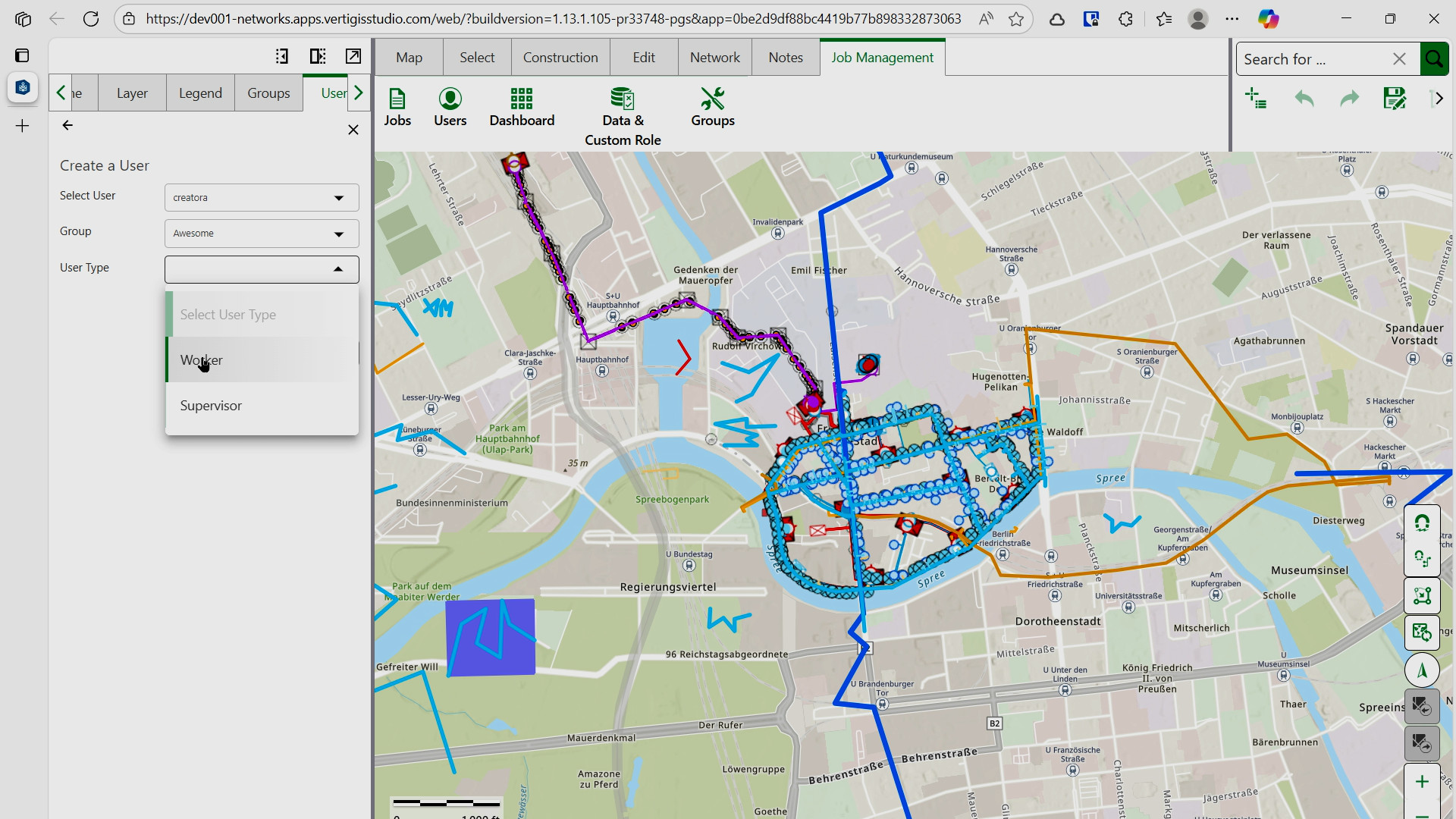
To assign a user to a group:
1.From the Job Management tab, select Users from the navigation menu.
2.Click the Create User or Assign User button.
3.Select a user from the Select a User dropdown (displays all users created in ArcGIS Portal).
4.Select the group from the Group dropdown.
5.Set the User Type:
oFor Hierarchy 2 groups: Choose Worker - executes jobs, posts data to default version/production data - or Supervisor - manages, assigns, and reconciles jobs.
oFor Hierarchy 1 groups: Worker is automatically selected (has combined supervisor and worker permissions).
6.Click Create User or Assign to finalize the assignment.
The user is now assigned to the selected group and will have access to Job Management features based on its role.