You can manually mark orders as complete in VertiGIS FM when all associated work in the field is finished. Marking an order as complete implies its subordinate tasks are complete. If you close an order that has subordinate tasks in the Planned or In Progress state, VertiGIS FM programmatically updates their statuses to Finished.
To Mark an Order as Complete
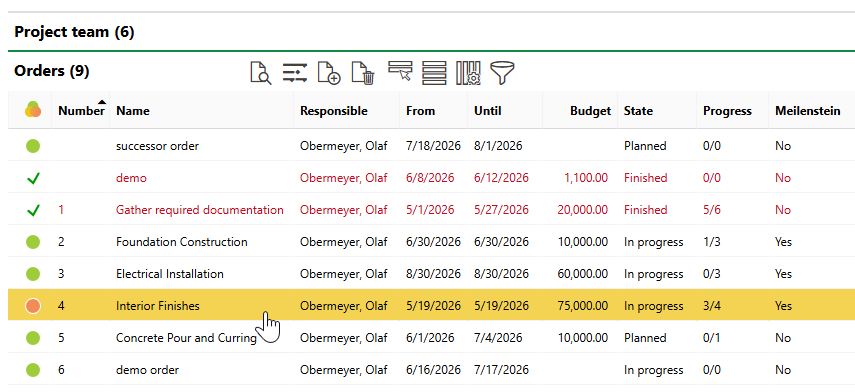
1.Navigate to the details page for the order you want to mark as complete.
2.Click the Edit ( ) icon.
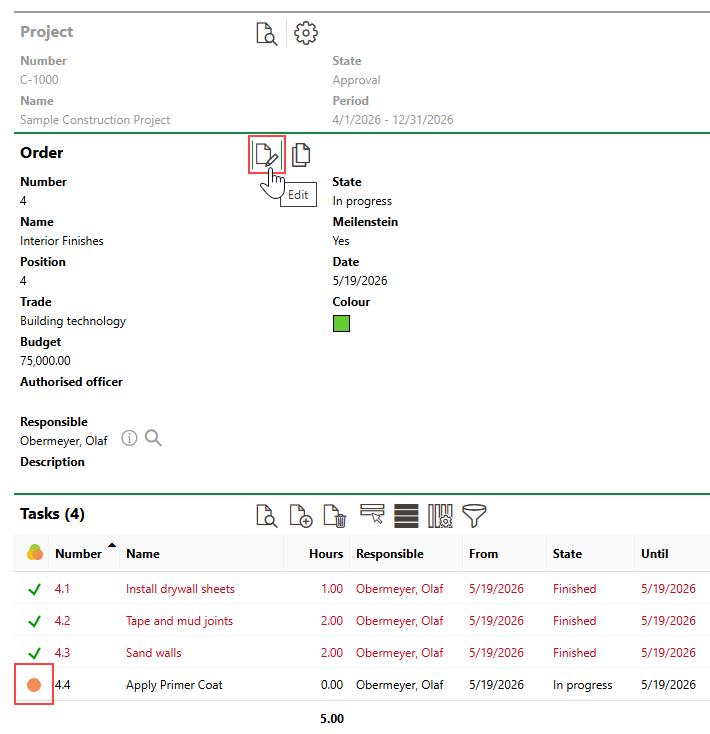
The example shown in the image above contains a task whose status is not Finished.
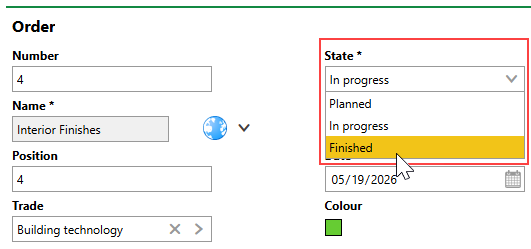
3.Click in the State menu and select Finished.
4.Click Save and Close.
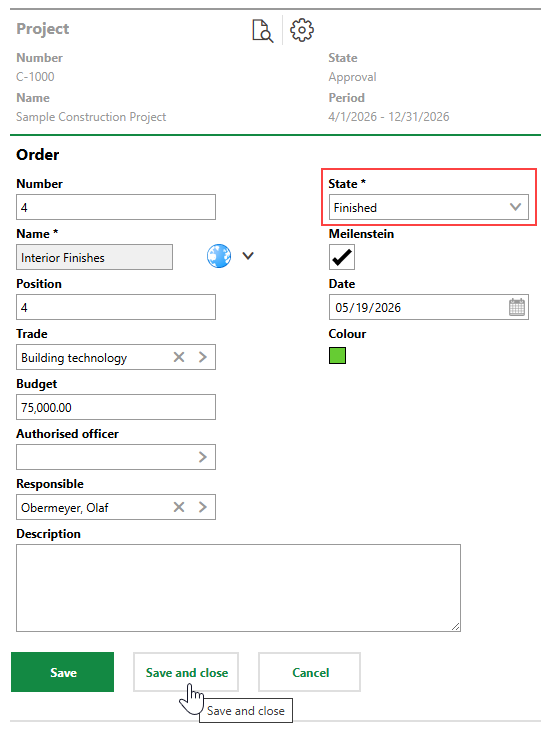
The order's status is now Finished, and VertiGIS FM updates the status of any Planned or In Progress subordinate tasks to Finished.
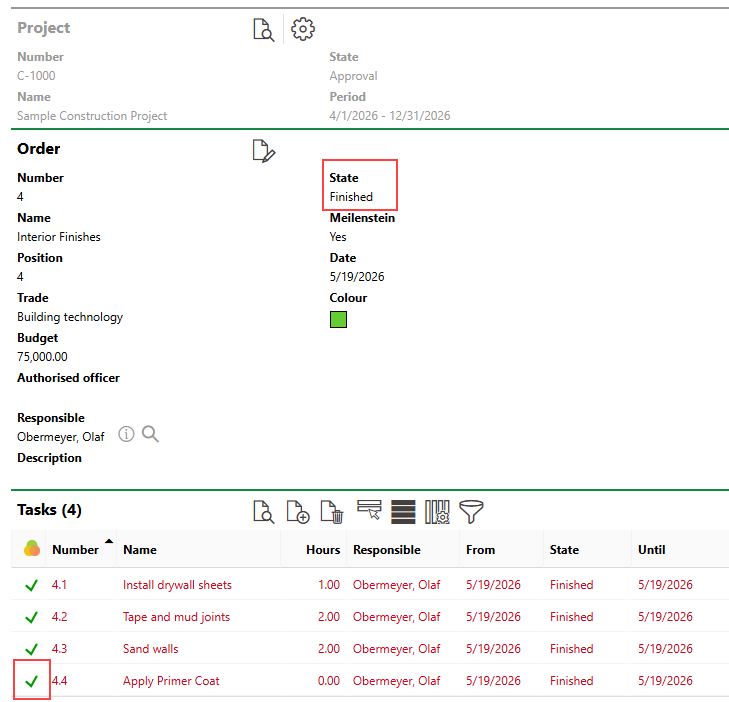
Finished Order and Tasks