New cylinders in VertiGIS FM must be created for specific locks. You cannot create an unassigned cylinder and assign it to a lock later.
You can create a new cylinder on the details page for the individual lock you want to add it to.
To Add a Cylinder to a Lock
1.Navigate to the details page for the individual lock to which you want to add a cylinder.
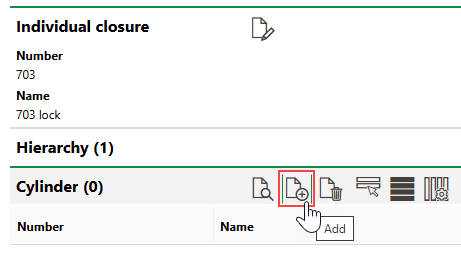
2.Expand the Cylinder section and click the Add ( ) icon.
3.At minimum, enter a Name for the new cylinder.
Refer to Cylinder Details for descriptions of all form fields.
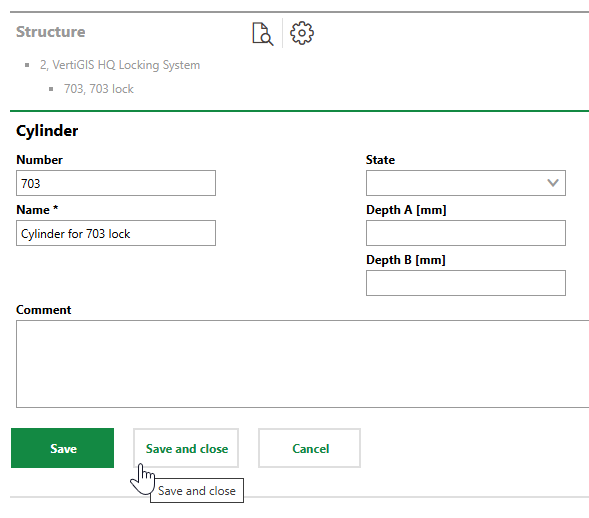
4.Click Save or Save and Close.
The new cylinder appears in the Cylinder section on the individual lock's details page.
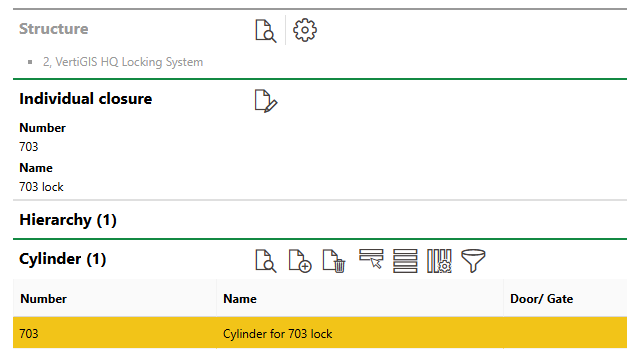
New Cylinder in Cylinder Section
You can now assign the cylinder to a door.
Edit a Cylinder
You can edit a cylinder by clicking the Edit ( ) icon on its details page.
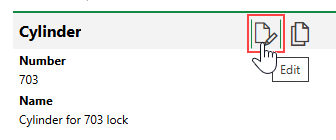
Editing a Cylinder
You cannot edit the State property of a cylinder if it is installed in a door.