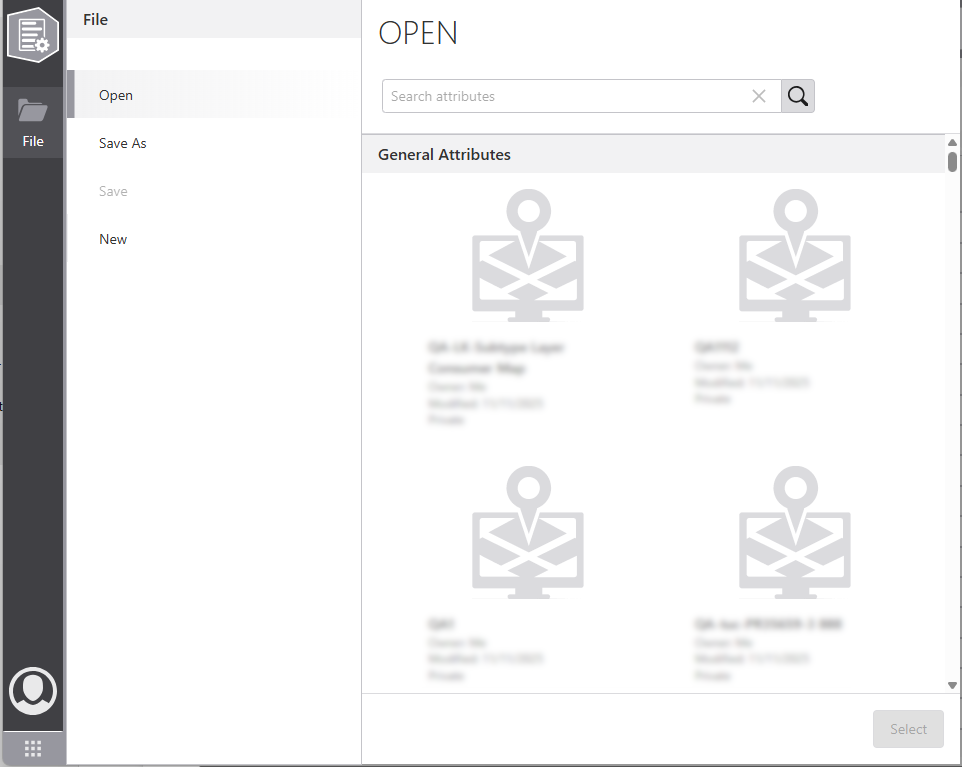
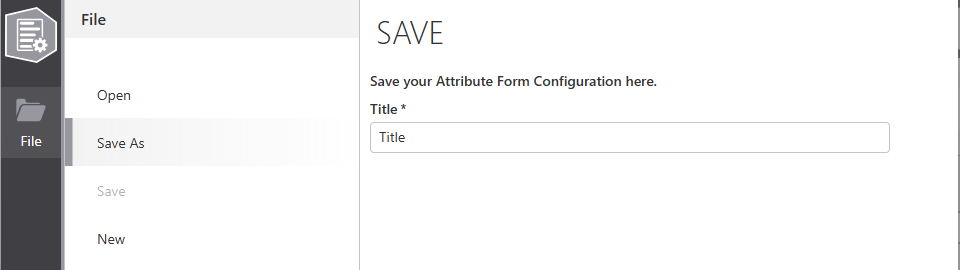
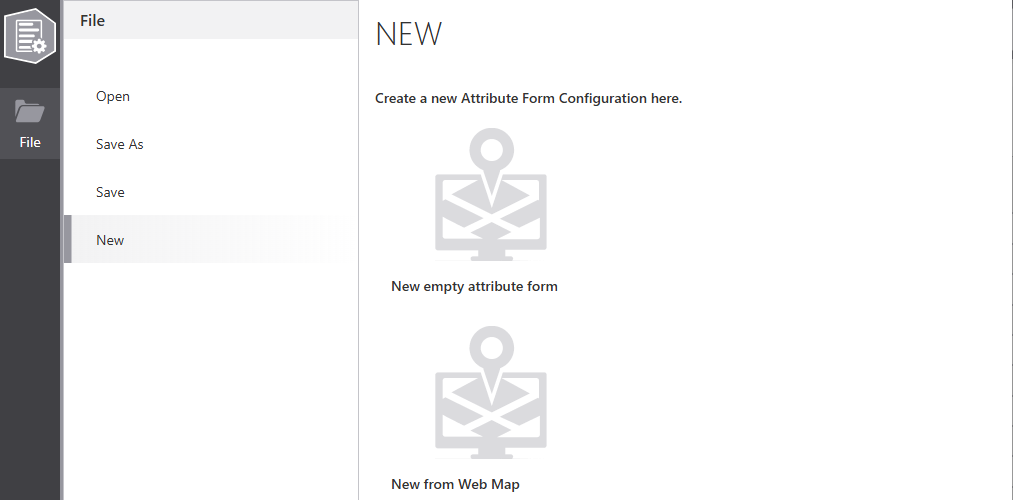
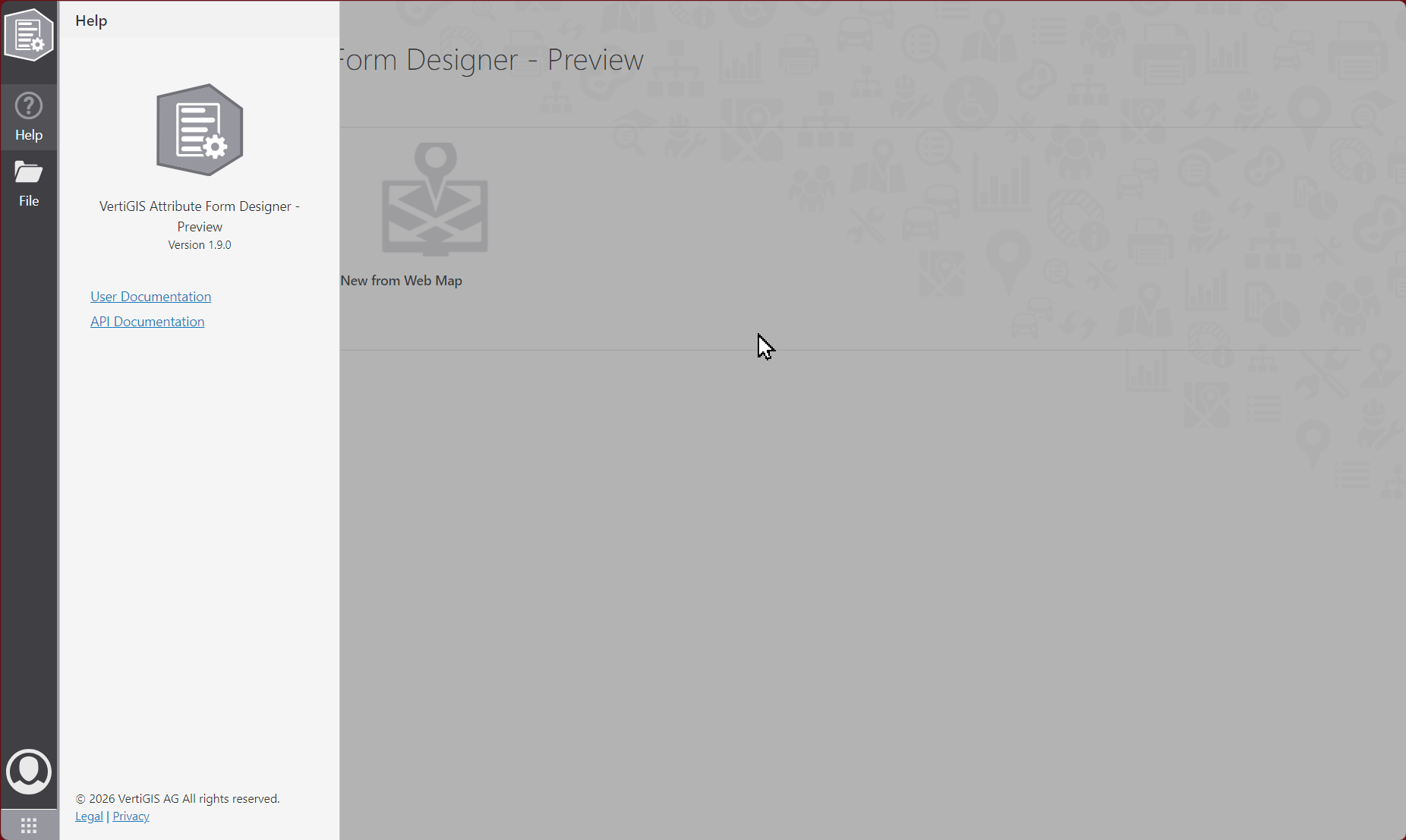
The sidebar contains the main navigation and file actions. The table below pairs icons/images with each menu entry and a short description for clearer display:
Icon / Image |
Menu |
Description |
|---|---|---|
|
Back to Dashboard |
Click the attribute form icon at the top of the sidebar to return to the dashboard. |
|
Open |
Search for a configuration in the portal; choose from the list or search by name. |
|
Save As |
Save the configuration as a new portal item. |
Save |
Save the configuration to the opened portal item. Available only when the configuration was opened from the portal. |
|
|
New |
Create a new configuration or initialize it from a web map |
|
Help |
Displays the current version for Attribute Form Designer and Links to the user and the API documentations. |