The editing view shows an elements list on the left and an editor view on the right. Selecting an element displays its editor.
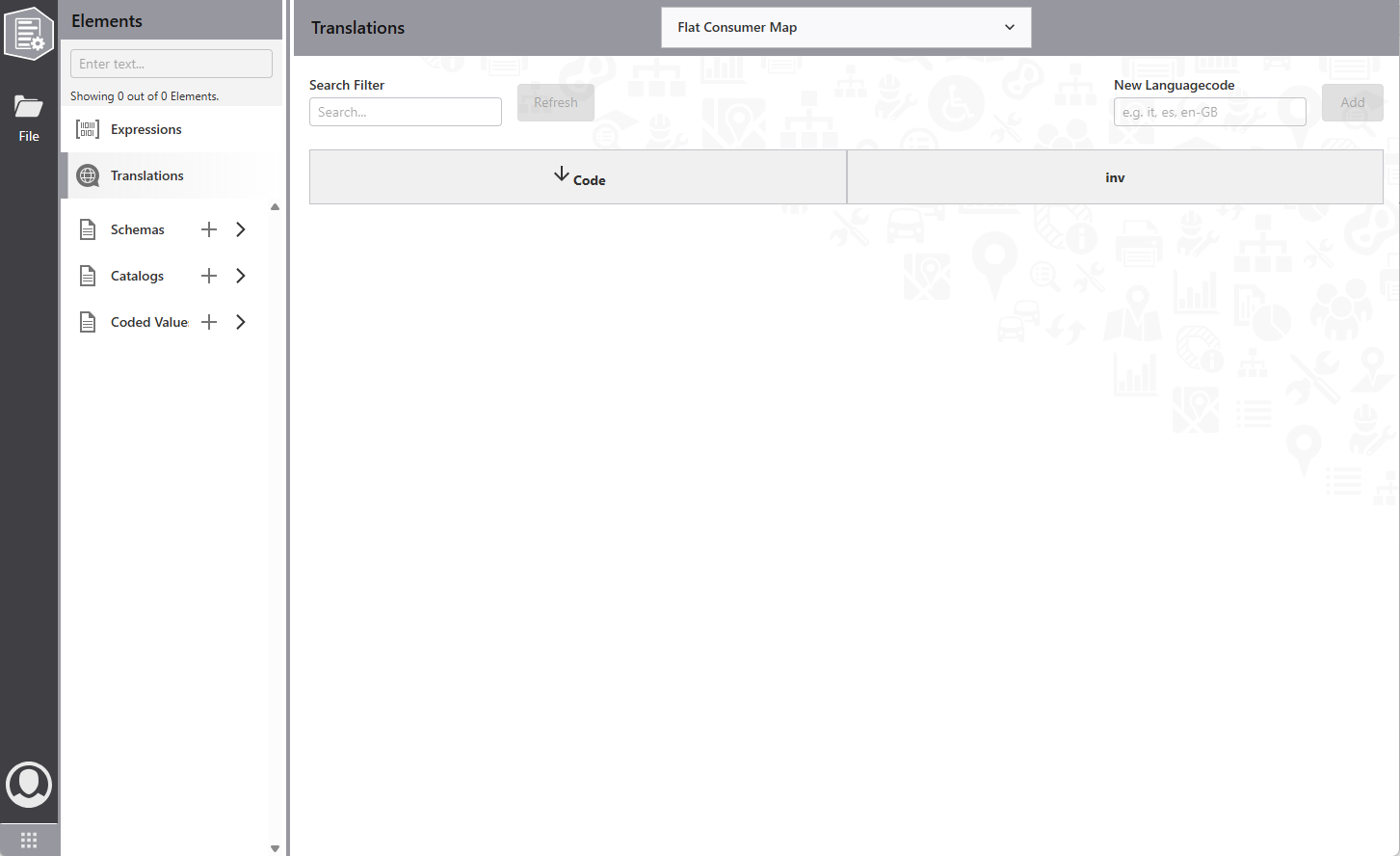
Elements
Each element (reflecting configuration JSON nodes) has its own editor. Two types exist:
•Expressions and Translations have no subelements. The editor allows direct creation, modification, and deletion.
•Schemas, Catalogs, and Coded Value hold subelements. Select the + button to create items. Use the > button to show or hide the list.
The editor displays only when a subelement is selected.
Editors
Editors modify the related configuration JSON section. Each editor provides a specialized interface tailored to the type of element being configured.
When you select an element from the elements list, the corresponding editor appears in the right panel. The editor displays all available properties and settings for that element type. Changes made in the editor are automatically reflected in the underlying JSON configuration.
Different editor types provide different sets of controls and options. For example, the Expression editor includes an Arcade expression builder with syntax validation, while the Schema editor provides a visual form preview alongside property controls.