The JSON editor allows direct modification of the configuration as plain text.
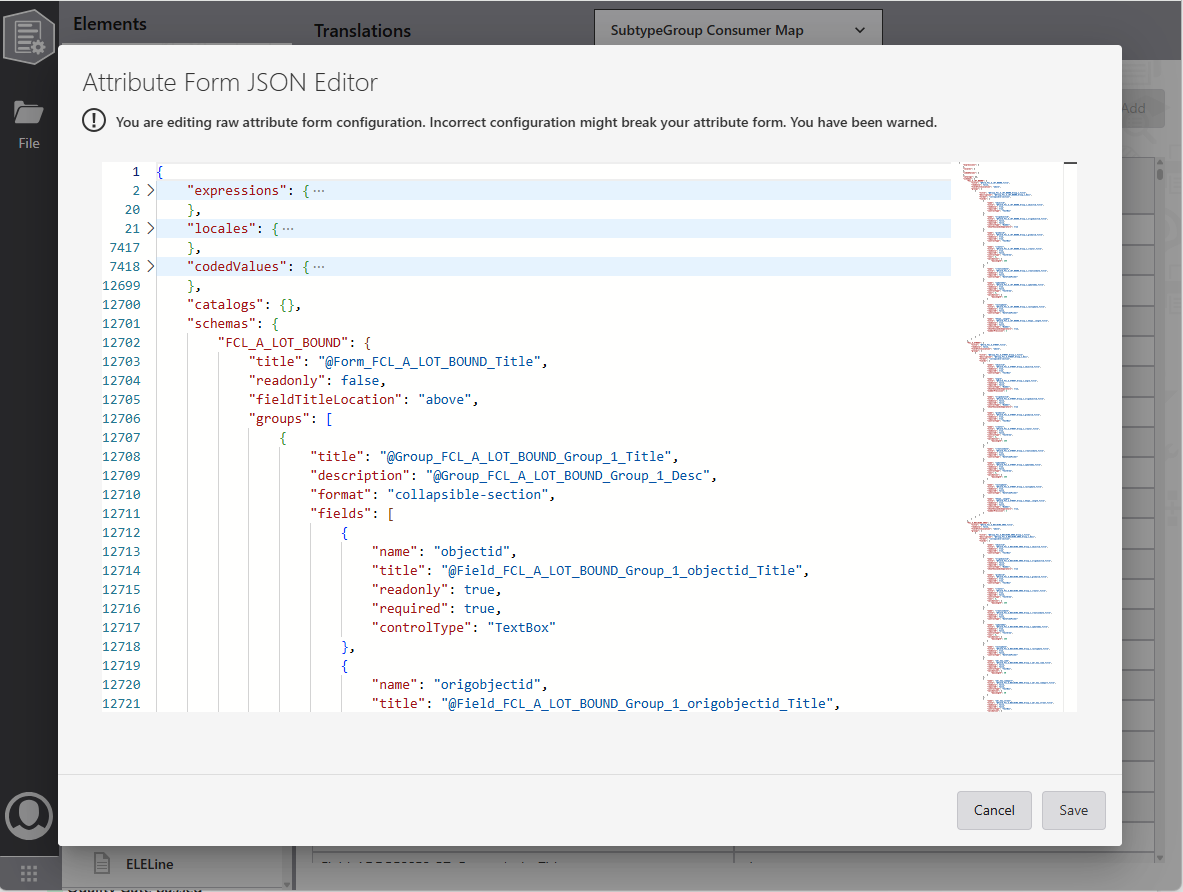
To edit the JSON:
1.Press CTRL+Shift+E to open the JSON editor
2.Modify the JSON as needed in the editor.
3.Select Save to store edits, or Cancel to discard changes.
The editor closes after saving or canceling.
The JSON editor validates JSON structure but not attribute form-specific rules. Edits may make the configuration unusable.