An export packs your complete deployment into a single zip file and downloads it to your machine. The items are read in their current state, so all customizations you made after the deployment, such as configuration changes, layout adjustments, workflow edits and JSON edits, are included.
Use an export when you want a copy outside of your portal, for example to archive a milestone, to hand the solution over to somebody else, or to move it to another environment.
To export a deployment from Solution Manager:
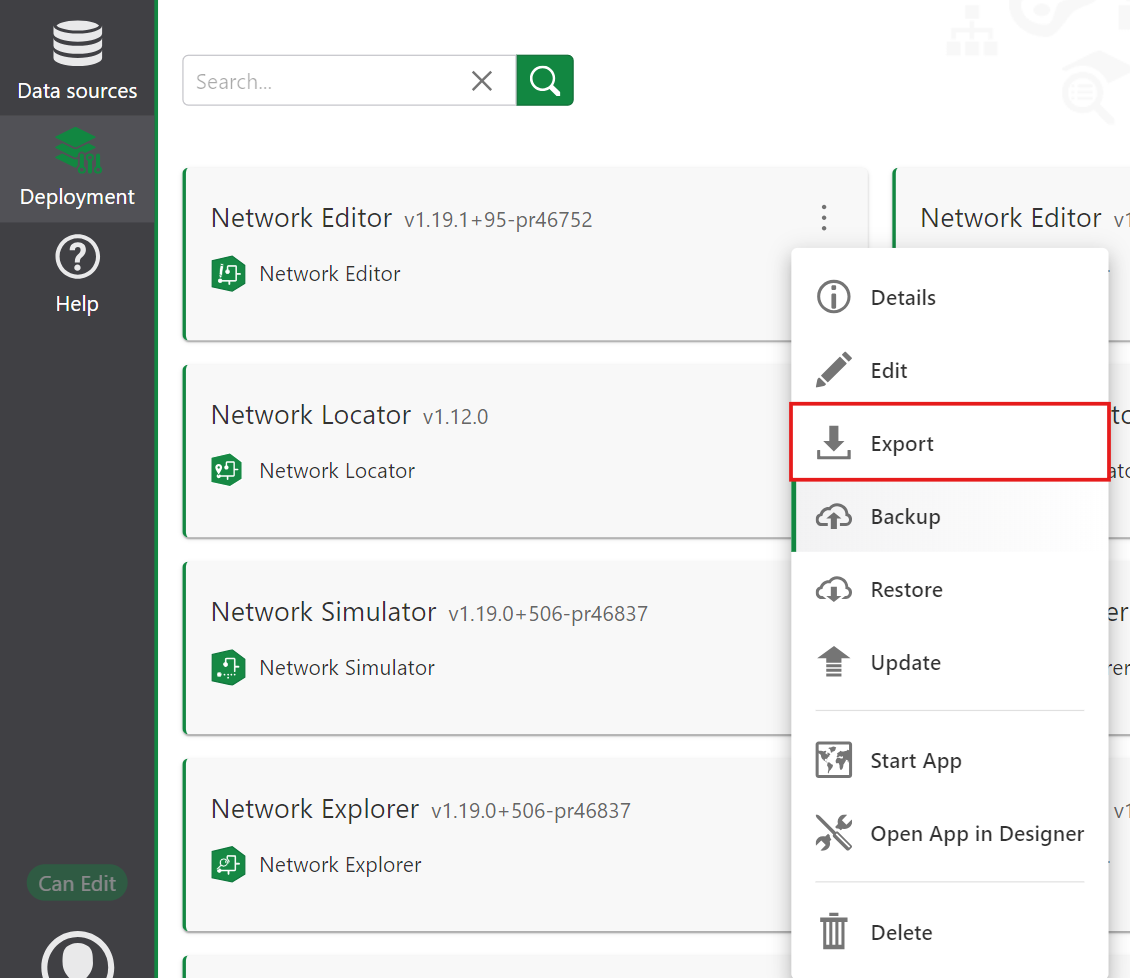
1.Open the context menu of the deployment.
2.Choose Export.
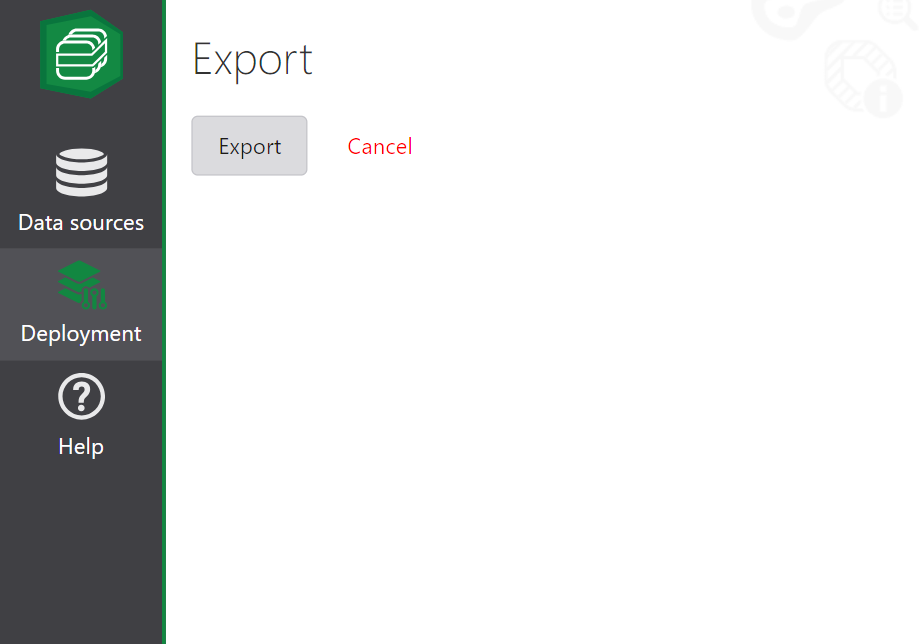
3.Select Export again. Wait until the package has been assembled. Larger deployments take longer.
4.The zip file is downloaded through your browser.
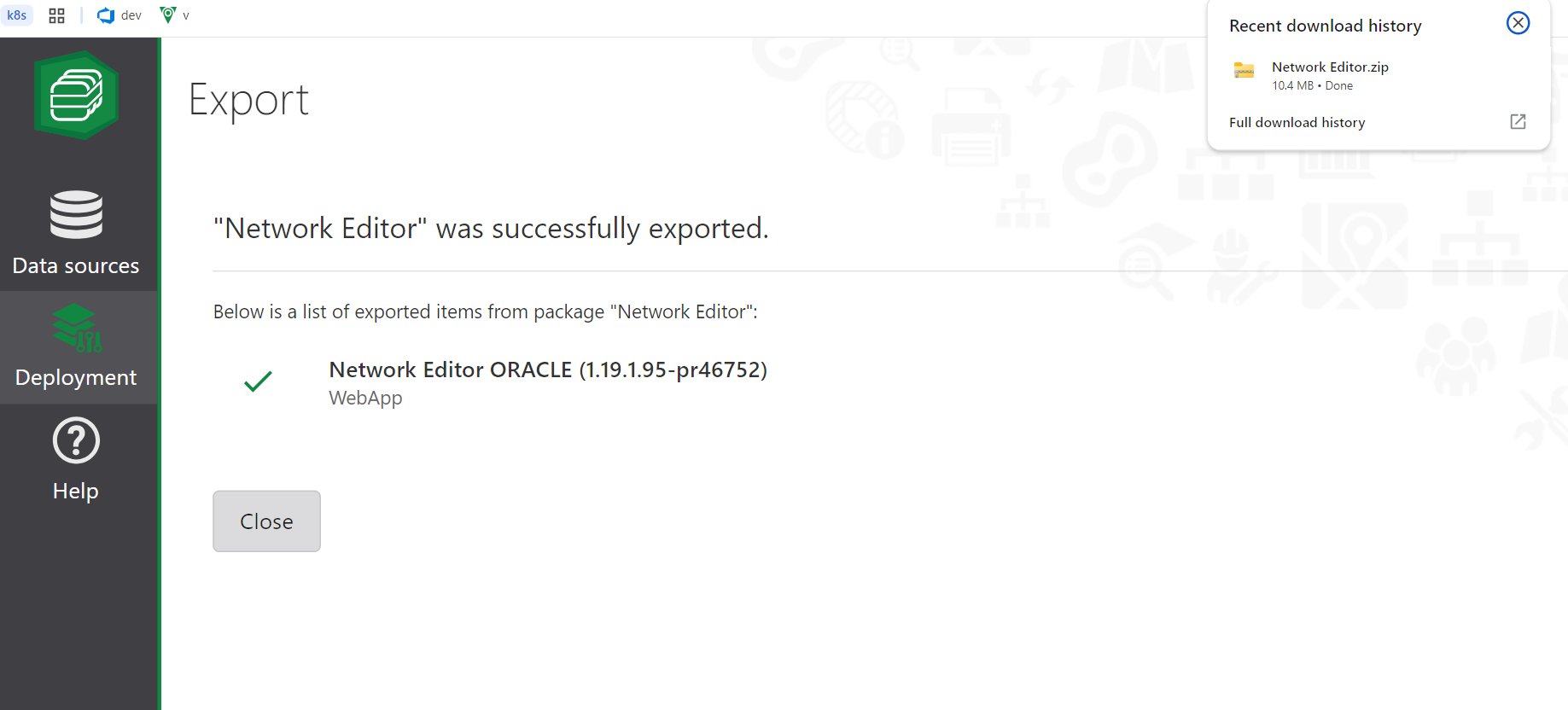
The exported zip is a valid solution package. It contains all items of the deployment with their current content, a solution manifest, and the original package zips of the bundle.
The original package zips are what allow the solution to be updated later. Keep them in the package and do not remove anything from the zip by hand, otherwise updates of a solution installed from this export will no longer work.