Use this when you have built something new that belongs to your solution, for example a custom workflow that you reference from your Studio Web App. Adding it to the deployment makes sure it is included in every export and backup from then on.
To extend a deployment by adding items to it:
1.Open the contenxt menu for the deployment that you want to extend.
2.Select Update.
3.Choose Add Item.
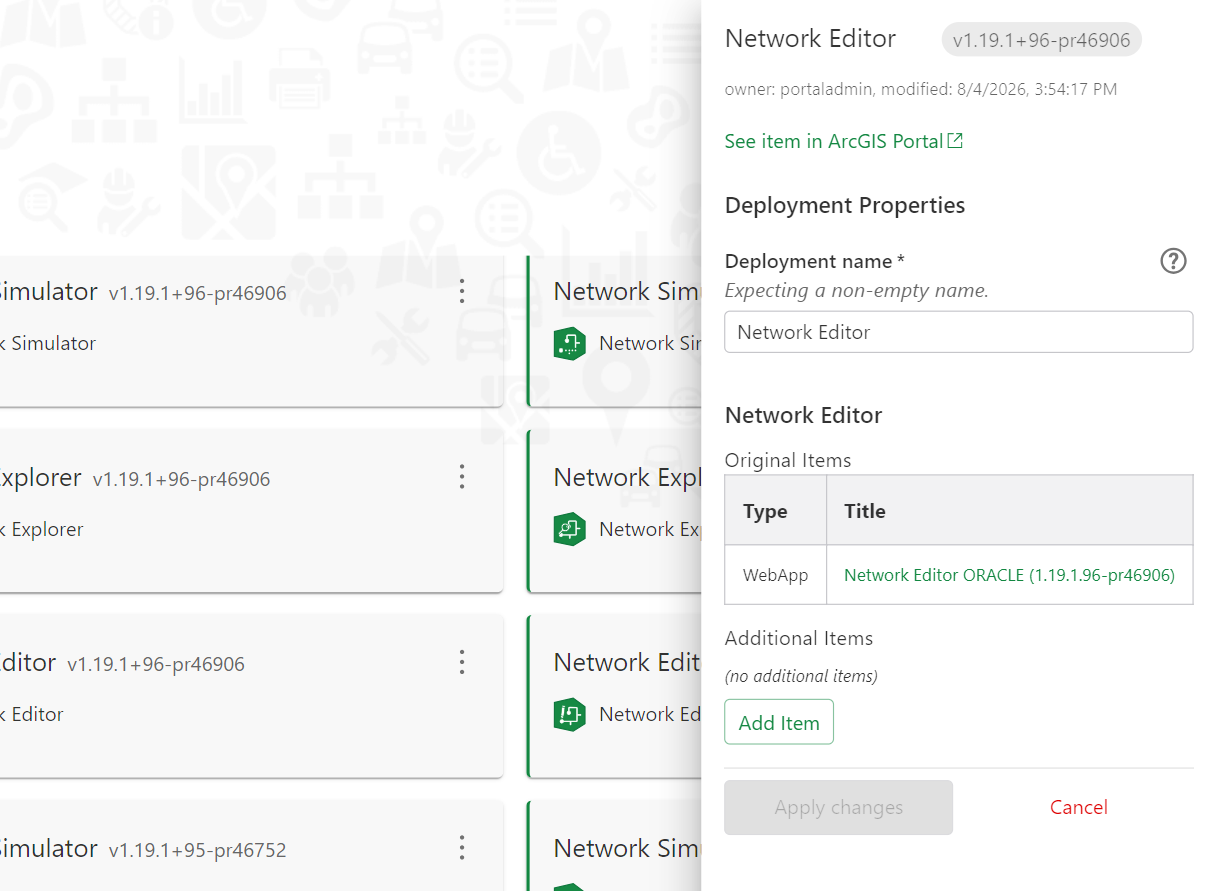
4.Search for the items on your ArcGIS Portal and select the ones you want to register.
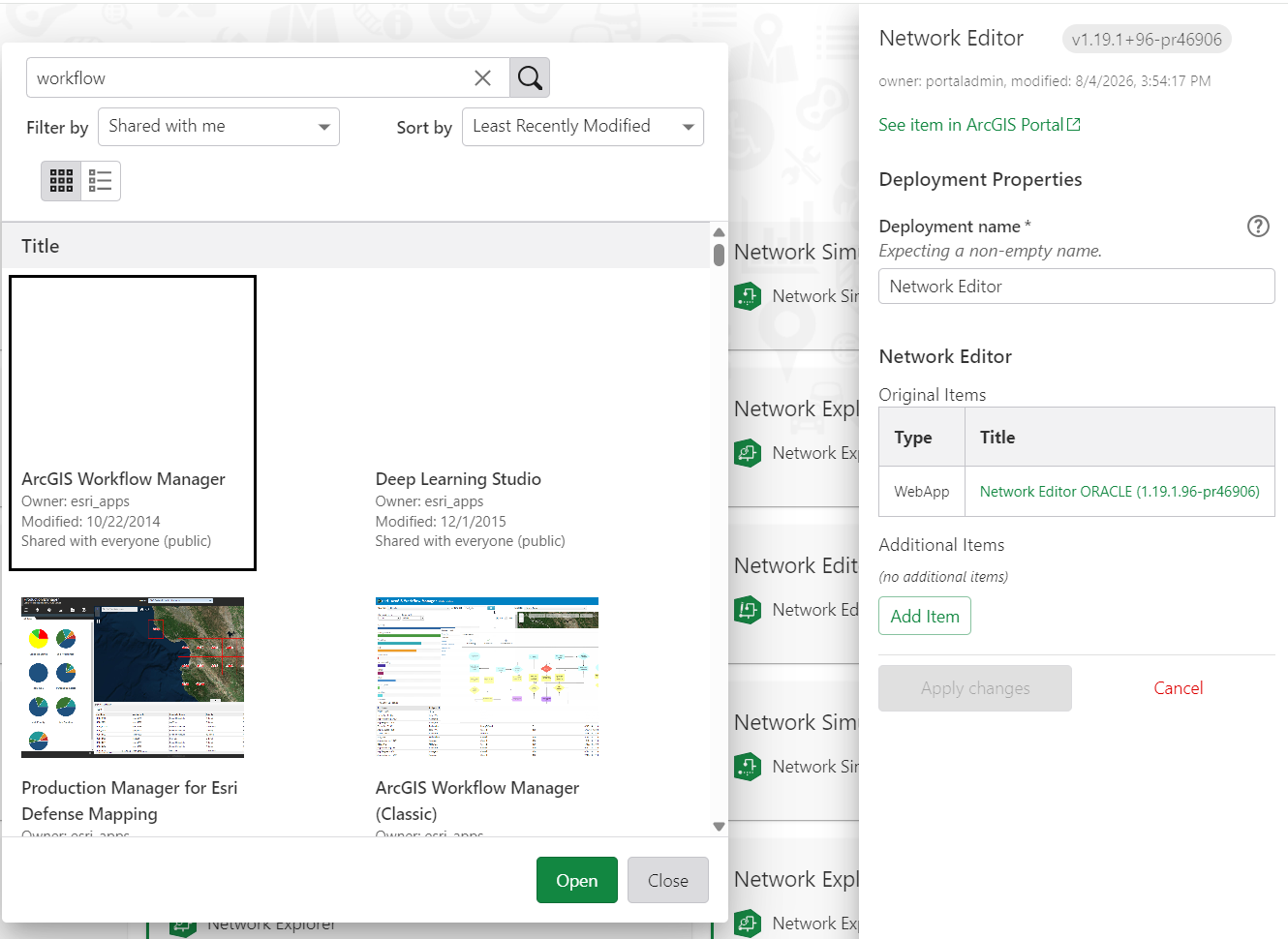
5.Confirm your selection. The selected items now appear in the item list of the deployment and are treated like the items that came from the original package.
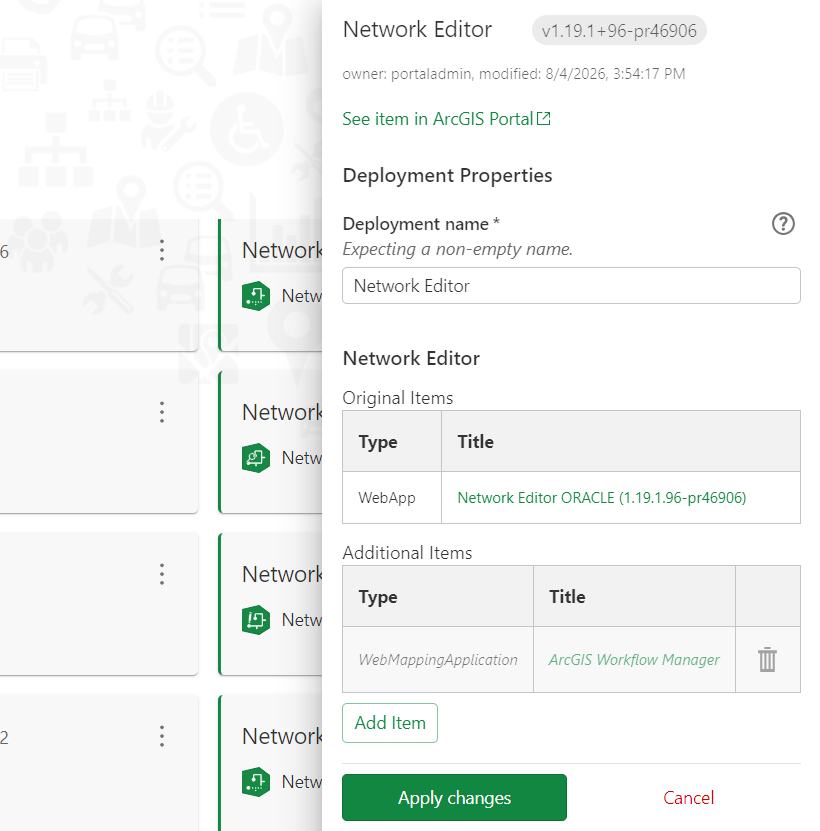
6.Select Apply Changes.