A restore resets the content of your deployed items to the state stored in a backup. The item IDs stay the same, so all links, apps and workflows that point to these items keep working. Only the content is rolled back.
To restore a deployment from an existing backup:
1.Open the context menu of the deployment.
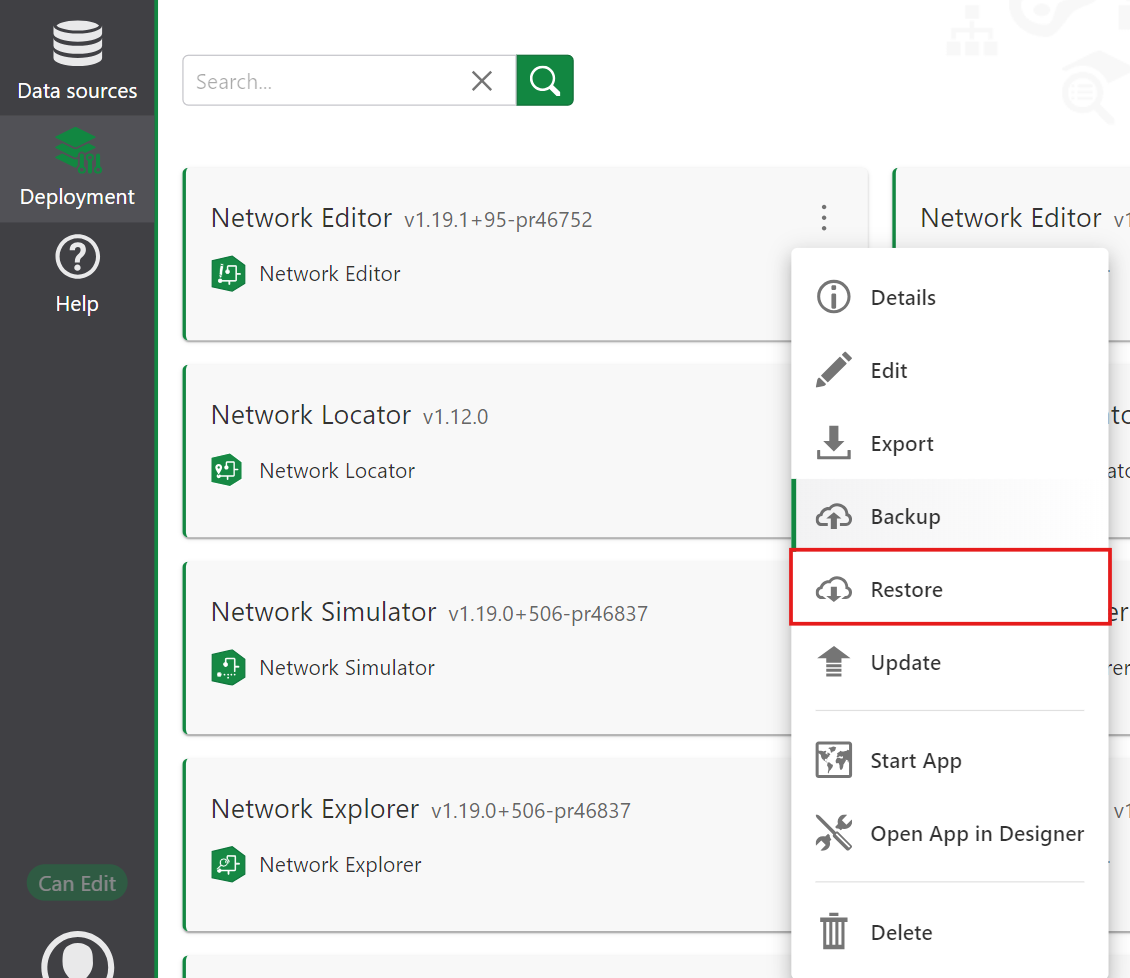
2.Choose Restore.
The backup associated with the deployment is automatically selected. An error is displayed if no backup exists for the selected deployment.
3.Review the summary and the list of restored items for the deployment.
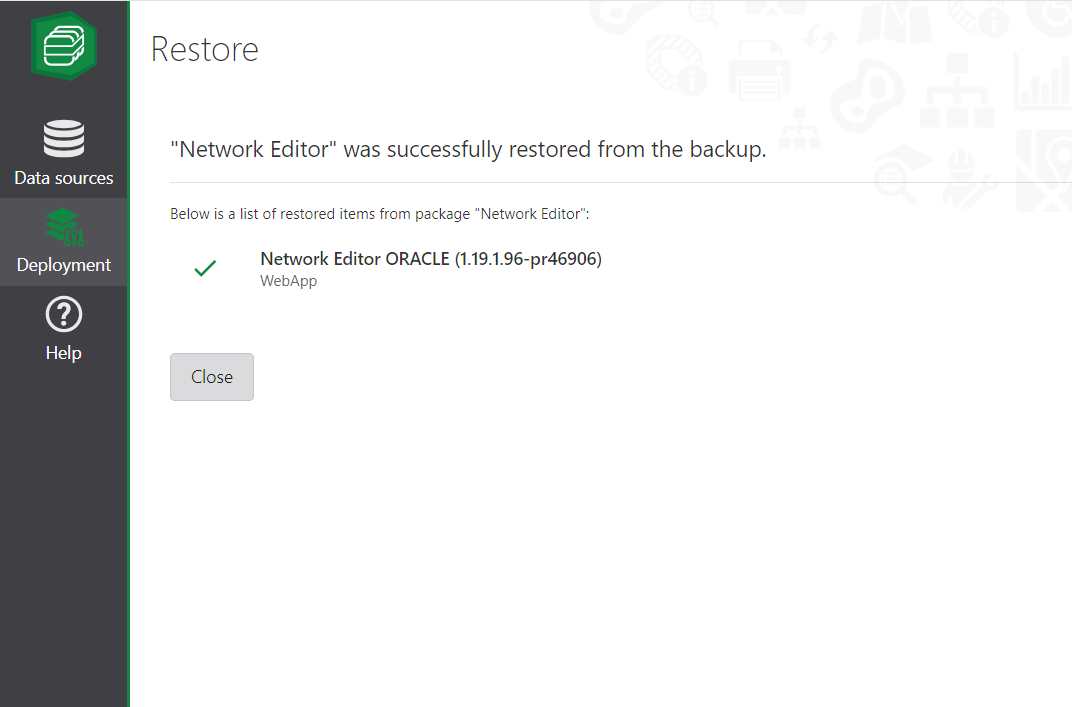
4.Confirm the restore. When the restore has finished, the items on your portal contain the state from the backup again.
A restore overwrites the current content of the items. Everything you changed since the backup was taken is lost. If you are unsure, create a fresh backup first so you can go back to the current state.