Either the VertiGIS Networks Editor or the VertiIGIS Networks Explorer must be configured with the URL of the DXF Export API service. This can be done after installing the tools by using the VertiGIS Studio Web Designer.
To connect your VertiGIS Network Editor/Explorer to the DXF Export API service:
1.Open VertiGIS Studio Web Designer and load your VertiGIS Network Editor or Explorer application.
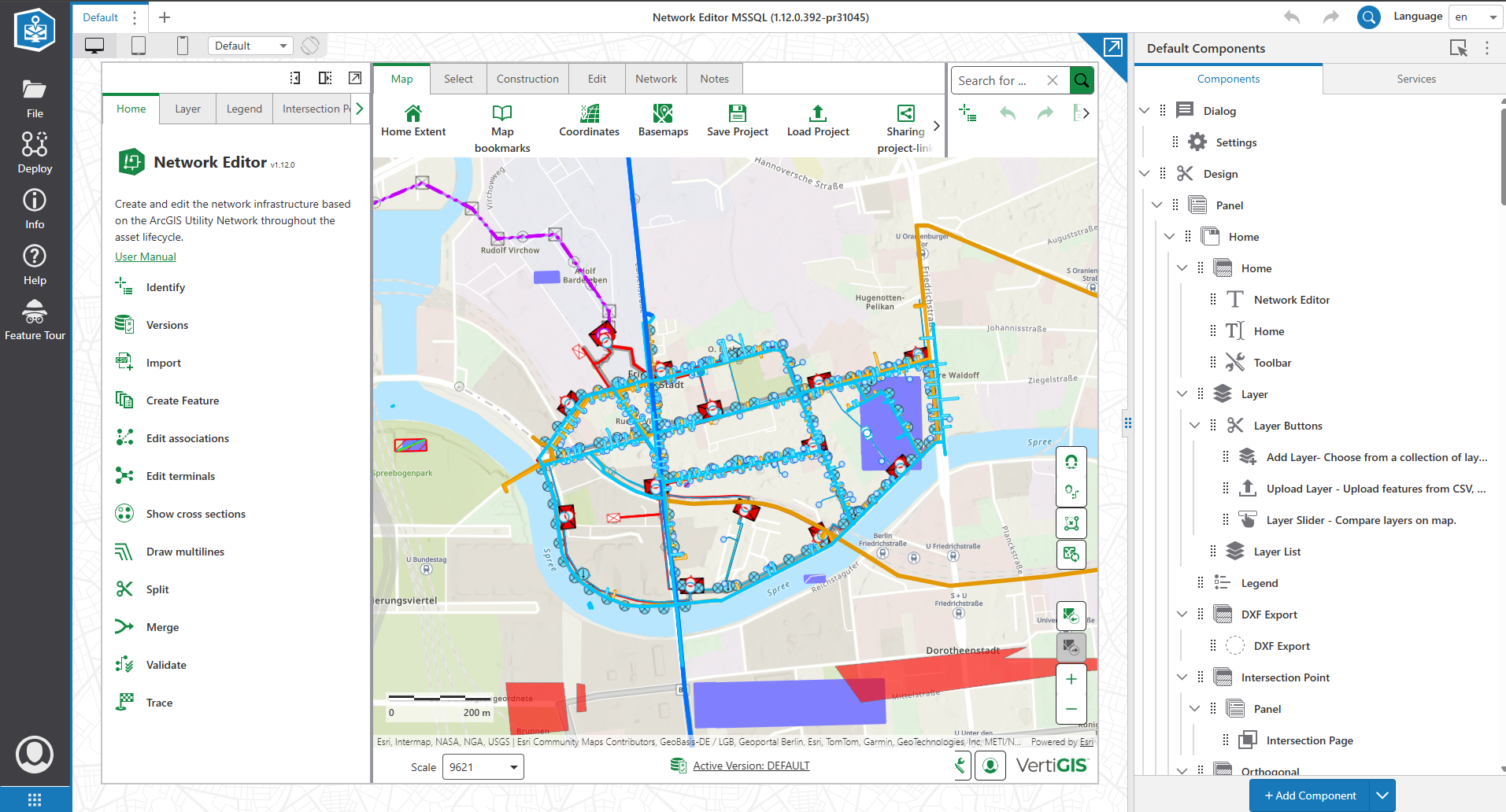
2.Select the Services tab.
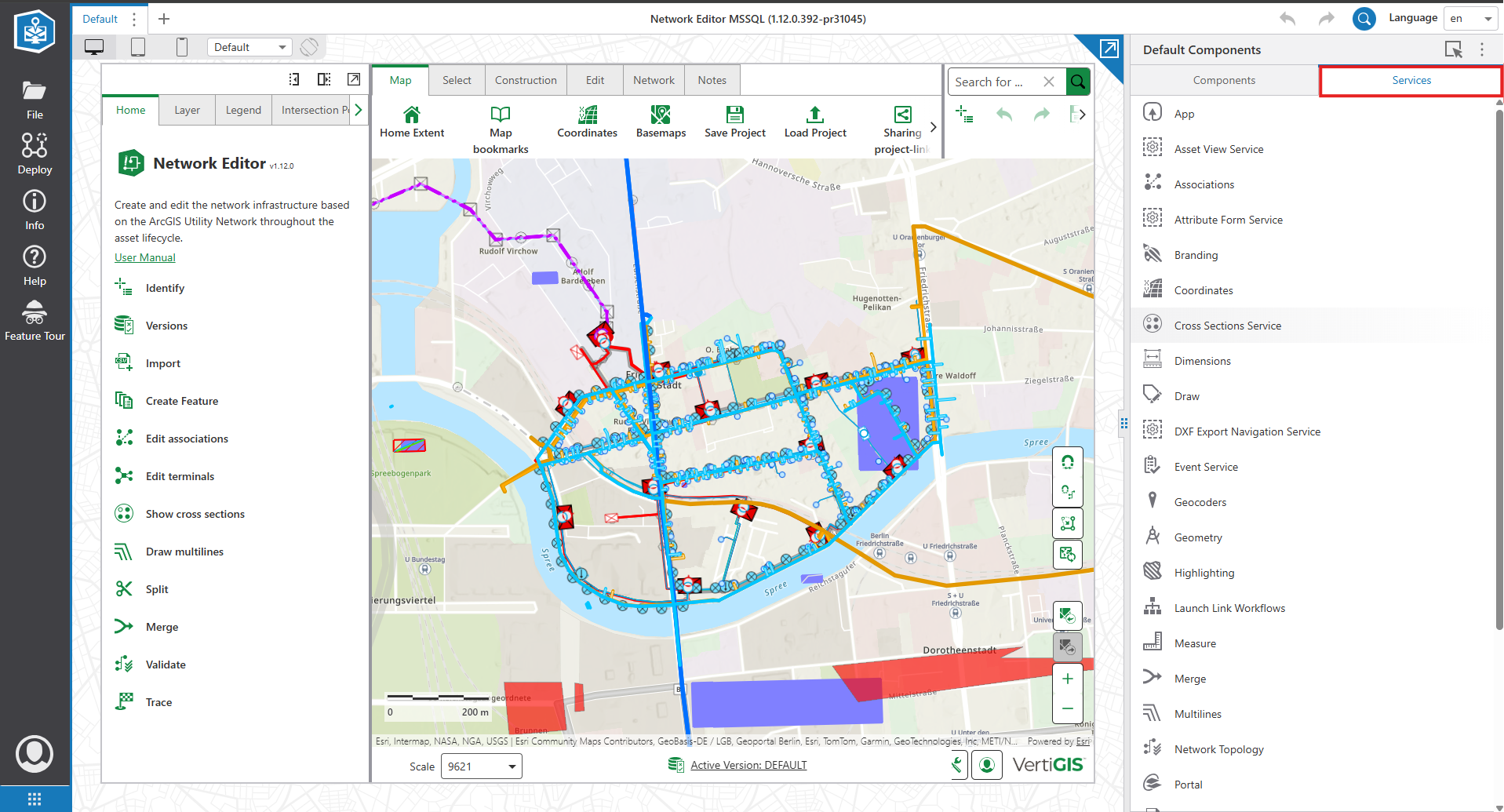
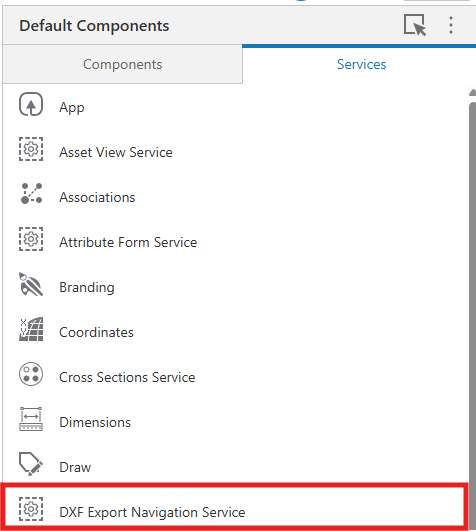
3.Select DXF Export Navigation Service.
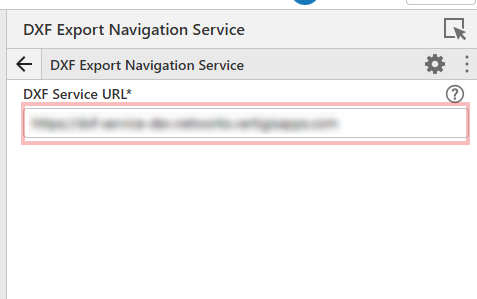
4.Enter the DXF Export API Service URL in the DXF Service URL field. Press Enter or Tab to confirm.
5.Save the application to apply the changes.