You cannot change the State value of a ticket whose State is Finished ( ) by editing it.
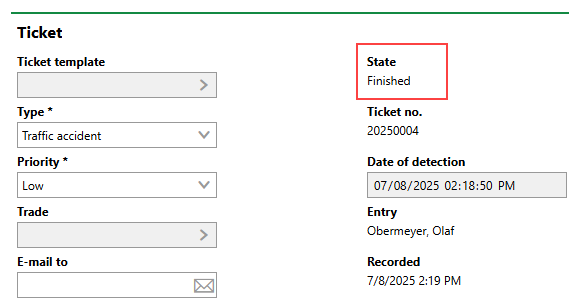
Finished Ticket
Instead, you change the ticket's status to Reopened by adding an answer to the ticket.
To Reopen a Finished Ticket
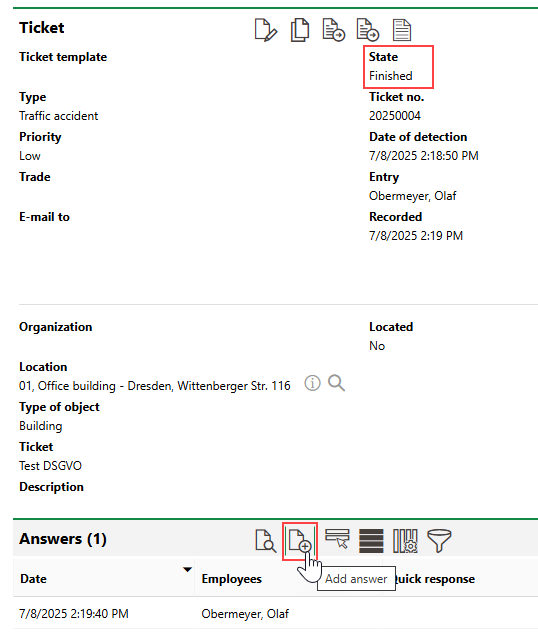
1.Navigate to the details page of a ticket whose State is Finished.
2.Expand the Answers section and click the Add Answer ( ) icon.
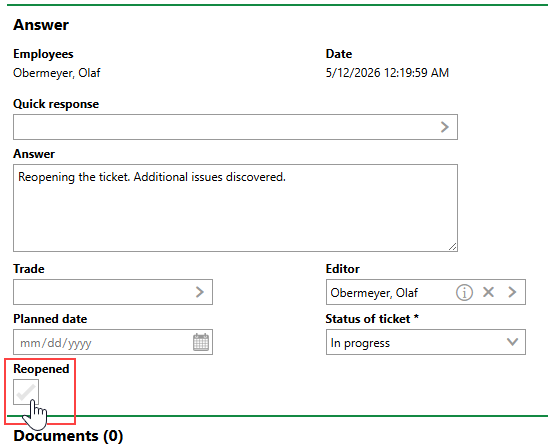
3.Select the Reopened check box.
4.Click Save and Close.
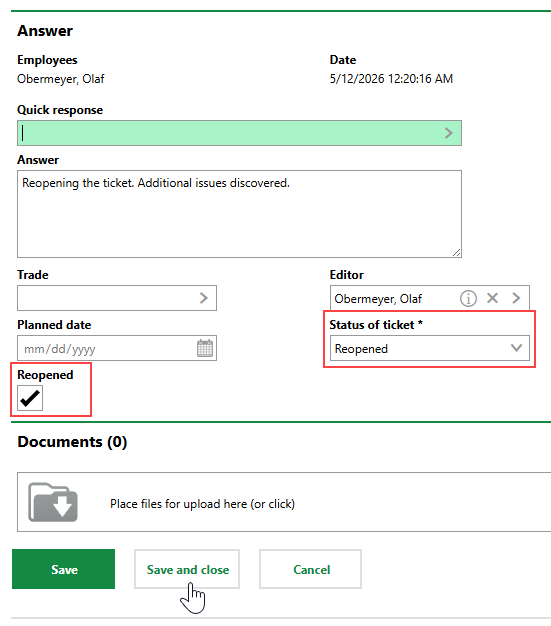
The ticket's status is now Reopened ( ).
).
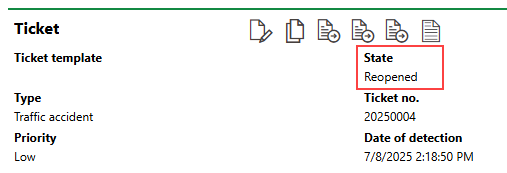
Reopened Ticket
You can now manually change the status of the ticket, which includes returning it to the Finished ().
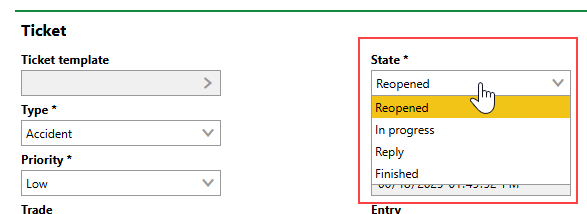
Editable State Property for Reopened Ticket