The home page provides quick access to all the VertiGIS FM products and modules included in your licence.
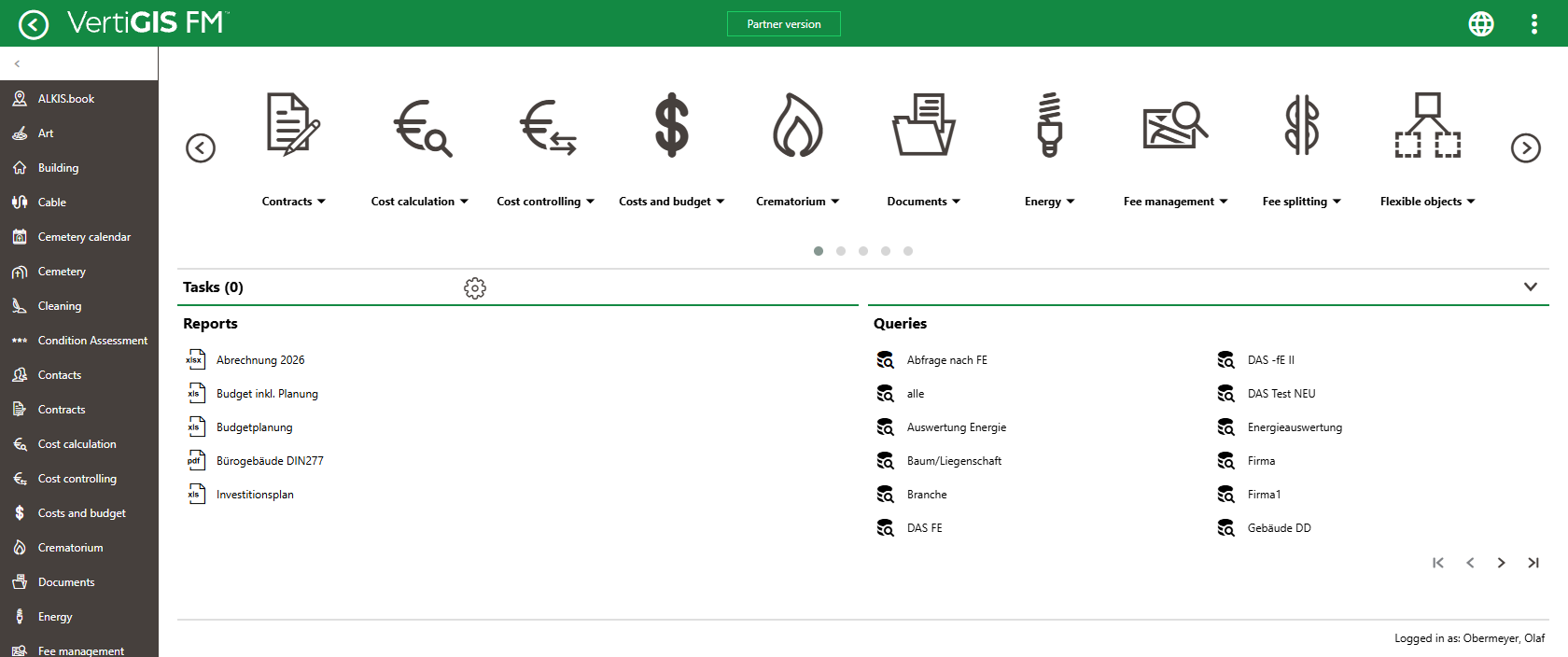
VertiGIS FM Home Page
Click the left and right arrows to navigate through the products included in your license.
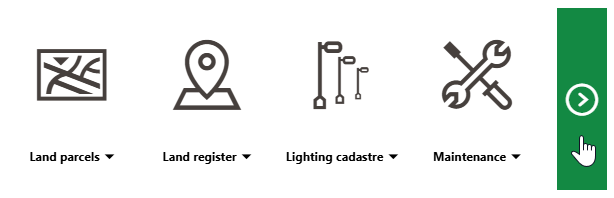
Module Navigation Buttons
Click the module's icon to navigate to its dashboard.
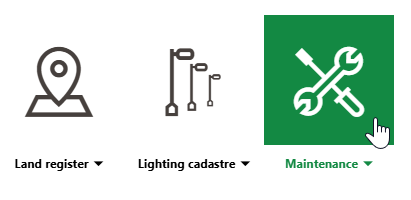
Navigating to VertiGIS FM Maintenance Dashboard
Click the down-arrow next to the module's name to see a list of resource links, including links to its dashboard and search page, its individual Operational Procedures workflows, and its Actions resources.
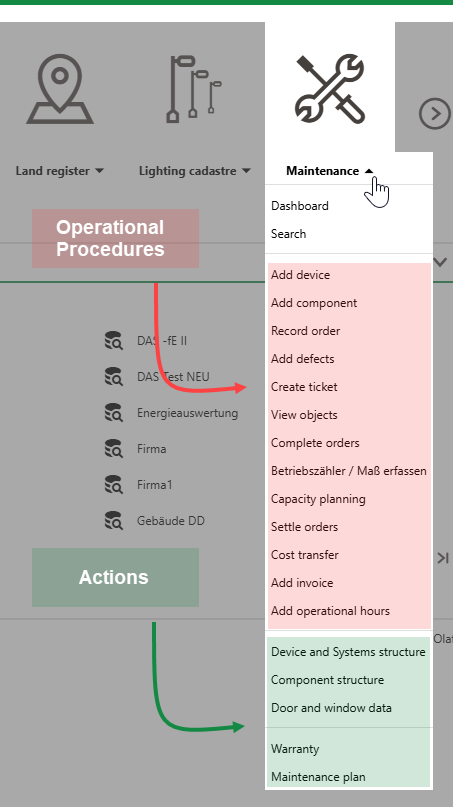
Key Links in VertiGIS FM Maintenance Core Module
Refer to Templates (Dashboard) for information about Operational Procedures and Actions links.
Accessing the Home Page
You can access the home page from any page in VertiGIS FM by clicking the VertiGIS FM logo in the top-right corner of any page in the application.
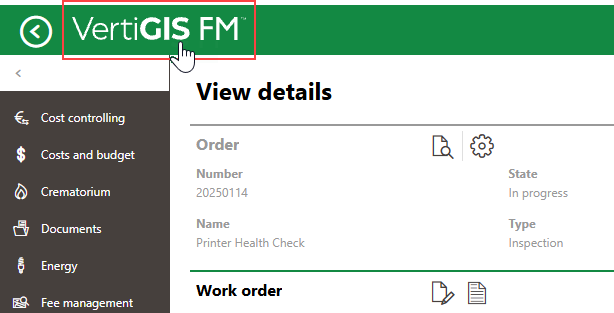
Link to Home Page
As an administrator, you can also set the home page to be the landing page (or start page) users see when they sign in to the application. You can either
•set the home page as the start page for a user role that is assigned to multiple users. Refer to Set Start Page (User Roles).
•set the home page as the start page for a specific user. Refer to Start Page (Users).
Start page settings saved at the user level override start page settings saved for the user role assigned to the user.
Whether you are setting the start page for a user role or a user, select Application home page from the Area menu in the Start Page section.
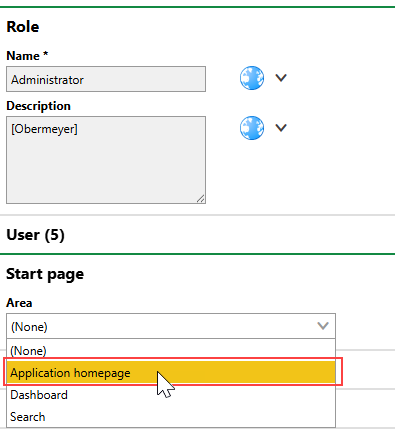
Setting the Home Page as the Start Page for VertiGIS FM