The VertiGIS FM Energy app supports offline use. You can withhold updates made using the app until you can connect your device to the Internet and then synchronize the app.
The synchronization functionality imports updates made to any meters or metering points using the VertiGIS FM Energy app into the VertiGIS FM database. Additionally, changes made to the VertiGIS FM database outside of the app (for example, a new meter was introduced to the system and requires a meter reading) are retrieved by the app.
If your device is connected to the Internet, you can synchronize the app and the VertiGIS FM database at any time by tapping the  icon.
icon.
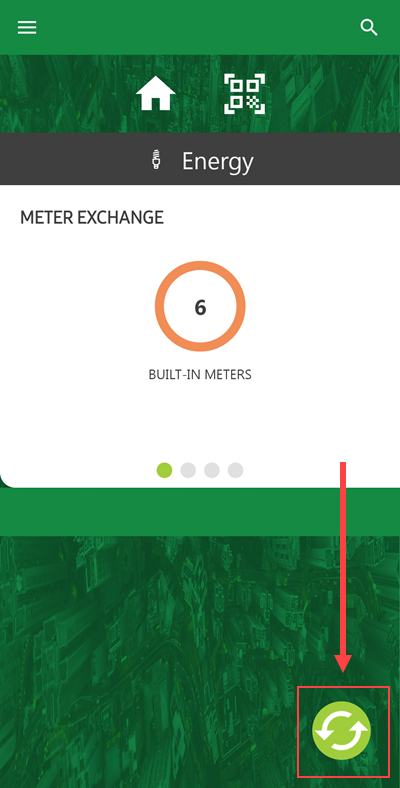
Synchronize Button
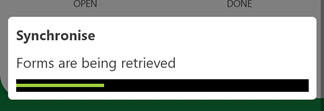
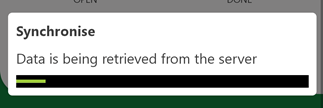
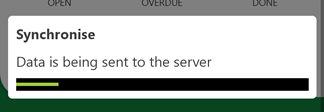
As the app and the database synchronize, the app presents the messages below.
|
|
|
|
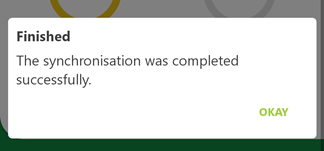
Synchronization Errors
The app presents the message below if any errors synchronizing the app and the database occur.
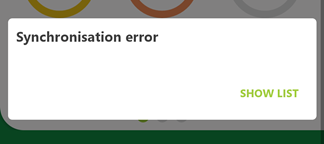
Synchronization Error
When the synchronization error message appears, you can tap Show List to see which objects were not able to be synchronized into the database. If the app and the database are not synchronized after you press the synchronize icon, the  icon appears on the dashboard.
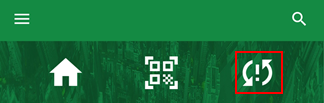
App Synchronization Error Icon
Tapping this icon shows a list of updated data objects (e.g., devices or orders) that were not able to be synchronized with the VertiGIS FM database. App synchronization errors often occur when an object like a device is updated in the VertiGIS FM Maintenance app as well as directly in the database before the synchronization occurs.
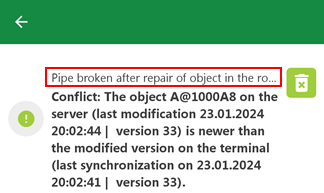
App Synchronization Error Message
Tap the  icon to dismiss the error next to it.