A backup creates the same package as an export, but instead of downloading it, the Solution Manager stores it directly as a resource on your deployment item in the ArcGIS Portal. This gives you versioned restore points without having to download and upload files yourself.
Create a backup before you start an update, and before any larger round of changes to a live solution.
To create backup of a deployment:
1.Open the context menu of the deployment.
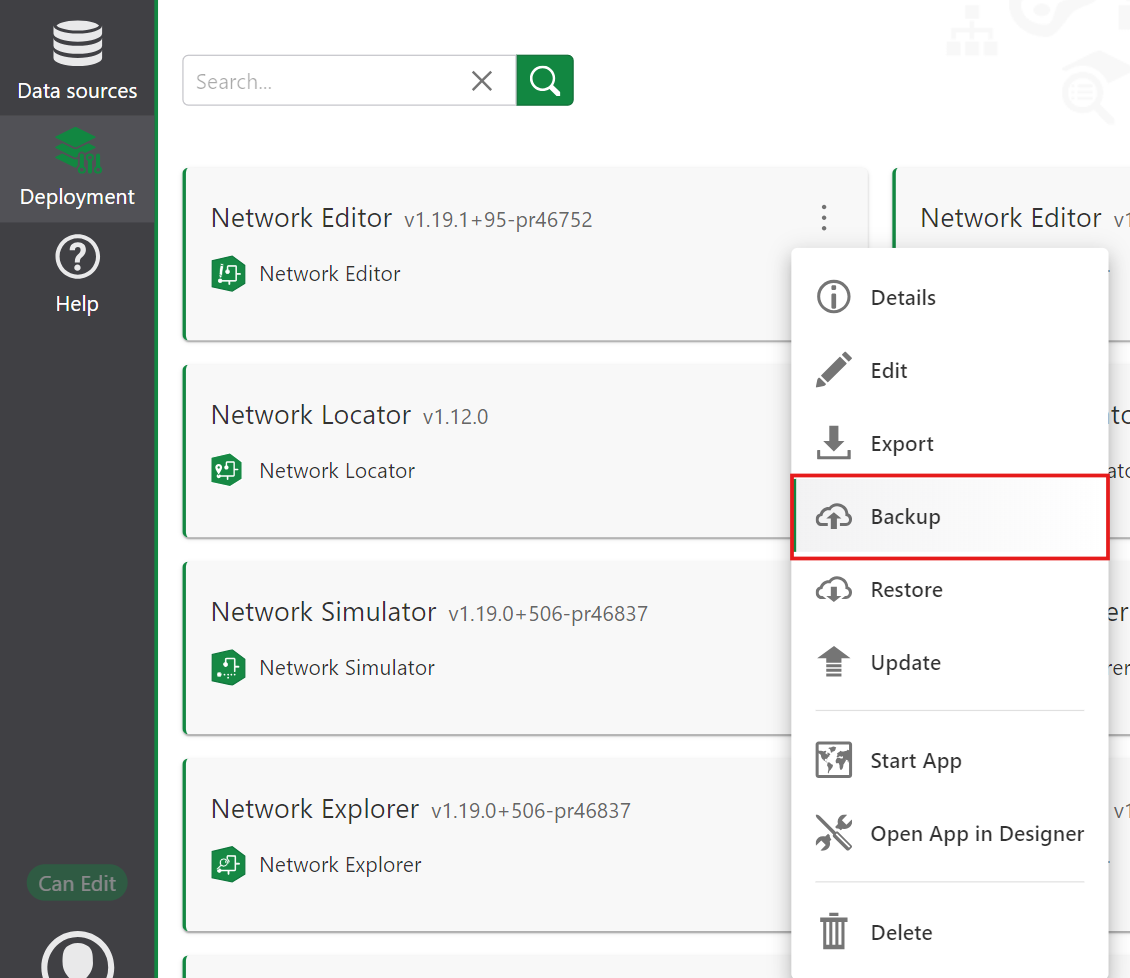
2.Select Backup.
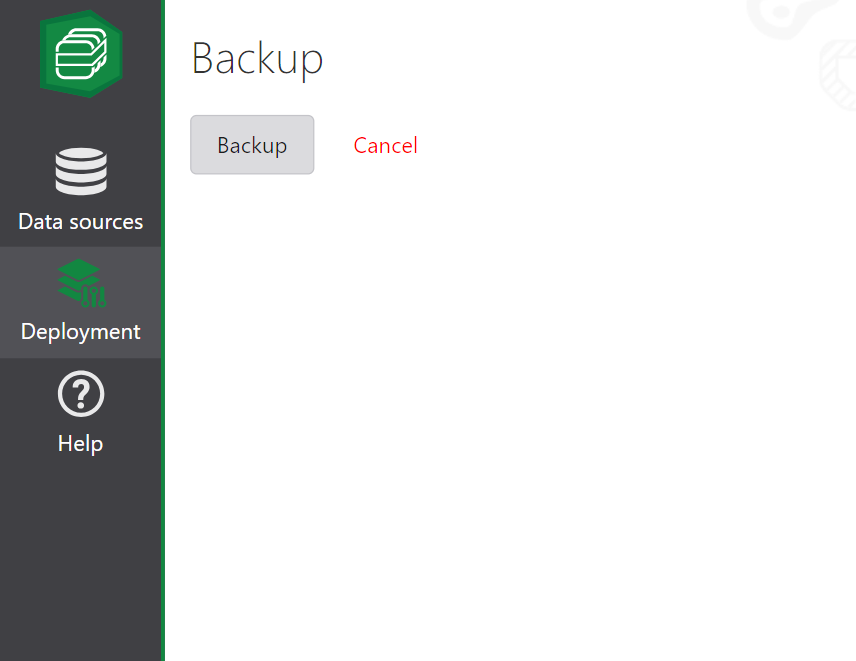
3.Select Backup again.
Solution Manager exports a ZIP file as a backup to the ArcGIS portal.
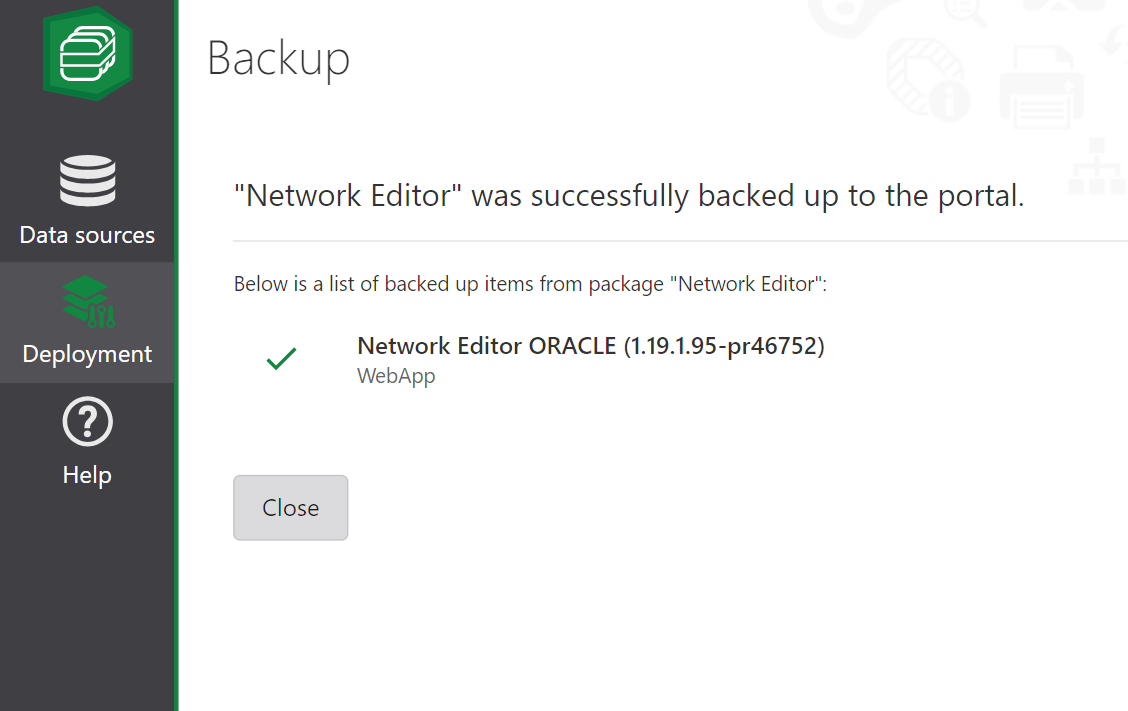
Each deployment can have only a single backup associated with it. The backup is always stored as a fixed portal resource named backup.zip. Creating a new backup replaces the previous one.