The Network Locator Cockpit app is a core component of the Network Locator solution, designed specifically for internal employees of utility companies.
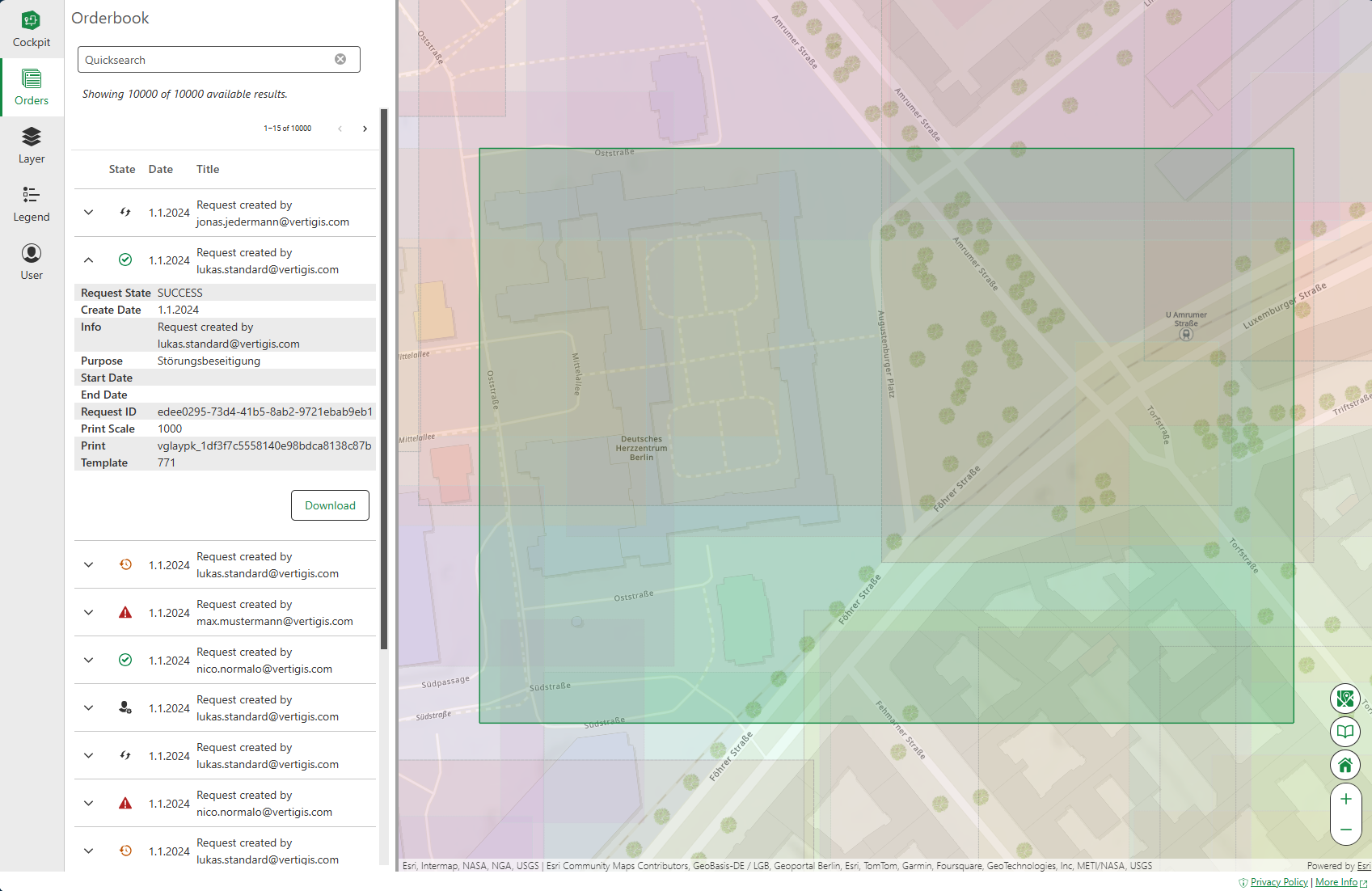
Cockpit provides a centralized interface to efficiently monitor and manage all locate requests submitted by external users. With this application, employees can visualize request areas directly on the map, access detailed metadata for each request, and download associated artifacts, such as supplied map documents in PDF format. By providing detailed and easily accessible records, Cockpit ensures transparency and helps employees quickly and effortlessly locate specific requests.
After the system is successfully deployed and configured, you can start using Network Locator Cockpit.
To log in to Network Locator Cockpit:
1.Access Network Locator Cockpit via the URL in the following format:
https://<KUBERNETES-BASE-URL>/api-network-locator-gateway-<namespace>/cockpit-client/
2.Enter your email and password.
3.Click Login.
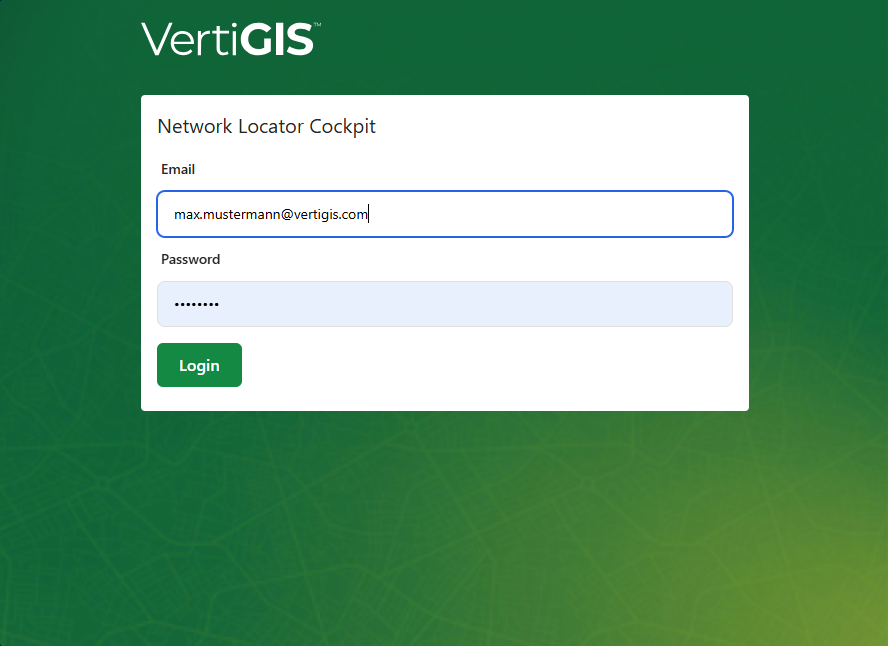
The Network Locator Cockpit app opens.
Submit Locate Requests on Behalf of Customers
Users with the Guardian role can submit locate requests for customers from Network Locator Cockpit. The request is associated with the selected customer, while the Guardian who submitted it remains recorded for audit purposes.
Before you begin
You must have access to Network Locator Cockpit and be assigned the Guardian role.
To submit a request for a customer:
1.Open Network Locator Cockpit.
2.Start a new locate request.
3.Select the customer from the customer list.
4.If the customer is not available, open User Management from the provided shortcut and create the customer account.
5.Complete the request details and submit the request.