The Warranty page lists each individual inventory item in the system that it is currently under warranty. When you double-click a device or component in the table, you navigate to its details page.
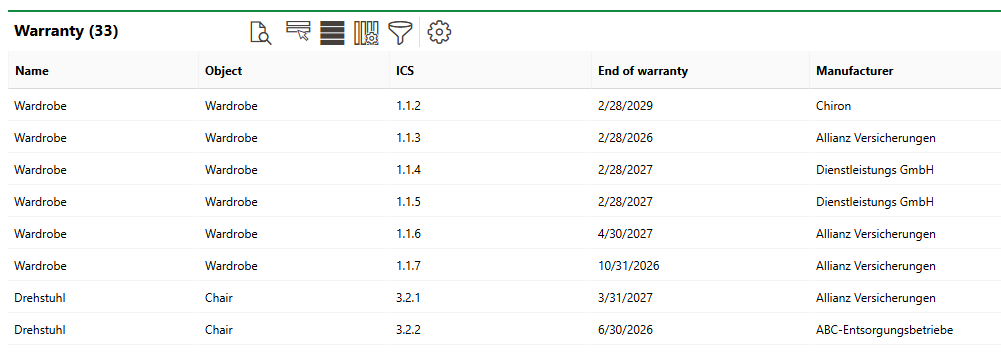
Warranty Page Table
You can access the Warranty page by clicking Warranty under Actions on the Inventory Management dashboard.
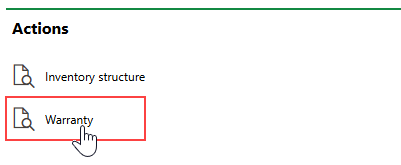
Link to Warranty Page on the Inventory Dashboard
If the end date for a device or warranty passes, the device or component no longer appears in this table.
Warranty information is entered in the Commercial Characteristics tab when you edit the details page for inventory items.
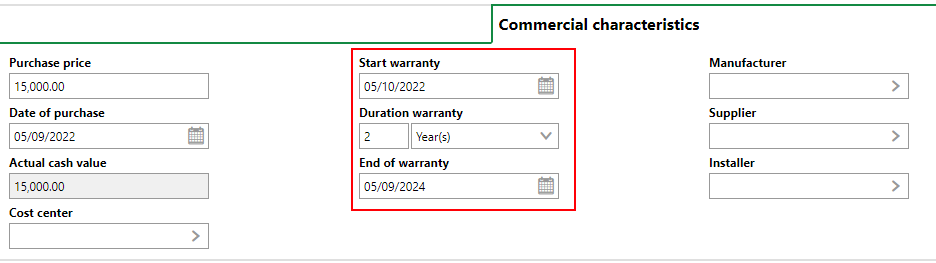
Warranty Information on the Commercial Characteristics Tab on the Device Details Page
You cannot enter this information for a type and apply it to all devices or components in the type.
For information about entering warranty details for a inventory item, refer to Inventory Item Details.