The Solution Manager interface is designed to guide administrators through the required configuration and deployment steps.
Use the sidebar to navigate through the different areas of the application.
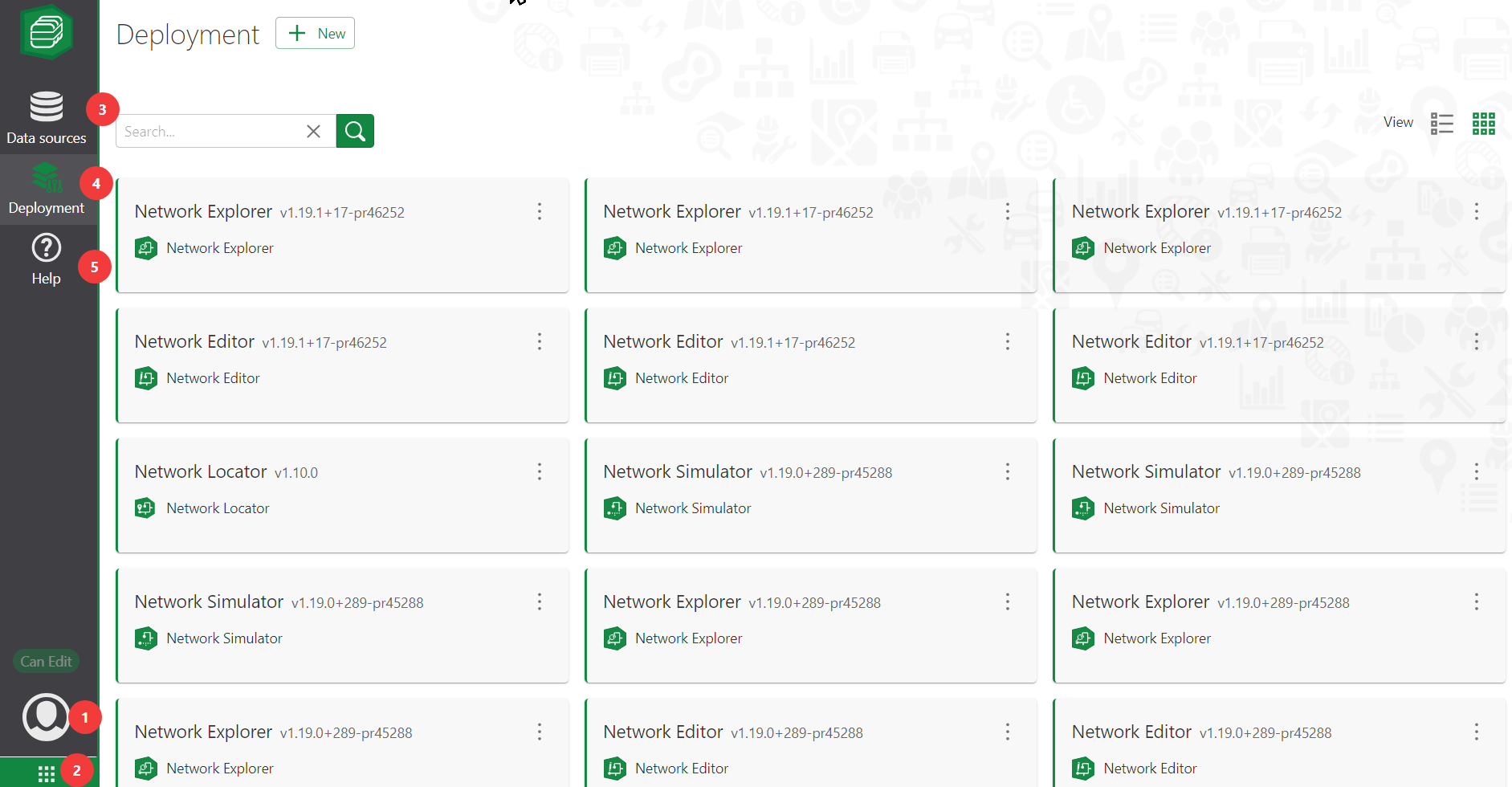
Use this button to view the user profile and sign out of Solution Manager .
Available actions depend on the assigned user role. Administrators and Publishers can create, edit, and delete deployments and data sources.
Actions that are not available are shown with light gray icons.
|
Access other VertiGIS Studio apps.
Requires no additional sign-in as the user session is shared across components.
|
Each project requires data sources. These are feature services available in the portal that can either be registered and available for deployment or require configuration before they can be used.
See Manage Data Sources.
|
Displays existing deployments and provides access to the guided workflow for creating and deploying a VertiGIS Web application.
|
The Help button provides access to version information, copyright notices, usage and privacy policies, and other useful resources.
|


 Data Sources (3)
 Deployment (4)