The Solution Manager is a web-based application that can be launched from any location via a web link (URL).
To launch the Solution Manager, use one of two methods:
1.Use ArcGIS Online by visiting https://apps.vertigisstudio.com/solutionmanager/ and logging in with your existing secure login credentials.
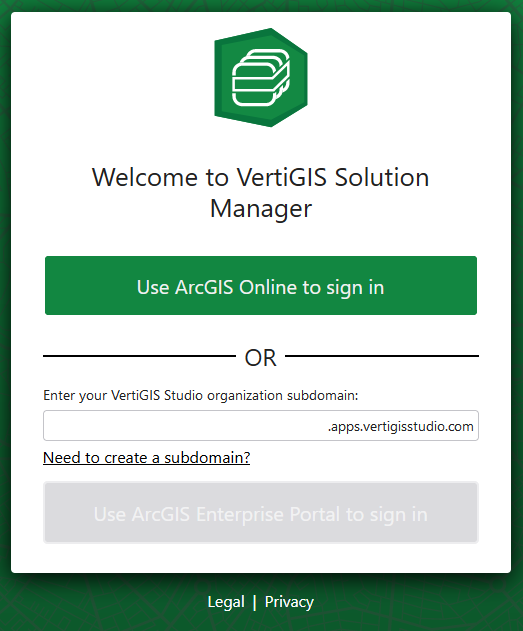
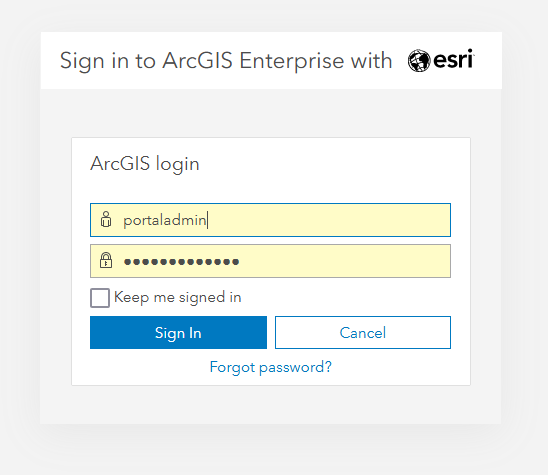
2.Use a customer-installed on-premises ArcGIS Enterprise environment. Visit configuration for on-premises arcgis enterprise for the one-time sub-domain registration first. The URL format is: https://<subdomain>.apps.vertigisstudio.com/solutionmanager/, you replace <subdomain> with your organization’s specific subdomain.
Ensure that you have the appropriate access data - username and password - for secure login.